
Transcripto
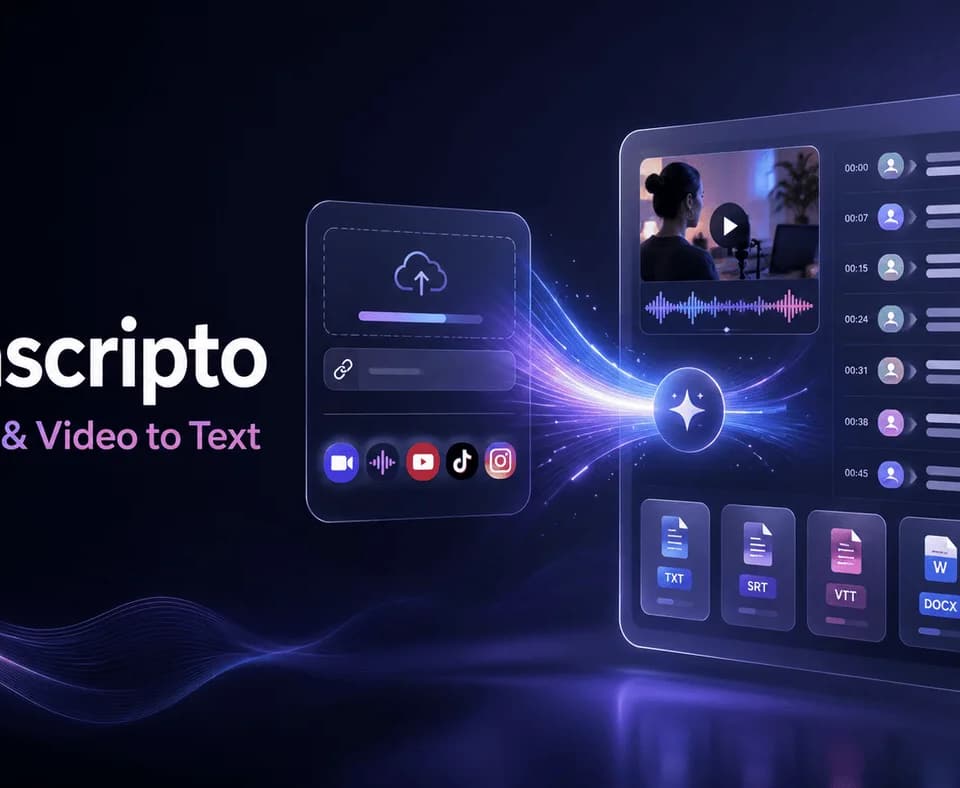
Transcripto turns audio, video, and supported social links into transcripts that can be reviewed, translated, summarized, and exported in a browser. It is useful when the recording already exists and the next task is finding a passage, preparing captions, or turning spoken material into a working document.
Start with a recording or a supported link
You can upload common audio and video formats or paste a YouTube, TikTok, or Instagram link. Transcripto describes support for more than 100 languages and dialects, timestamps, and speaker labels. It also lets users run multiple jobs in parallel and keep them in transcript history.
The editing stage matters as much as the initial conversion. Use timestamps to return to the recording, correct names and technical terms, and confirm which speaker made each statement. Speaker separation depends on the audio being clear enough; overlapping voices and background noise can make a seemingly tidy transcript misleading. Check a quotation against the recording before using it in a published interview.
Users can browse the tools without an account, but real transcription jobs and daily free credits require signing in. No card is required to begin. Link import also does not remove the need for permission to process or republish the original material.
Translation and exports stay with the transcript
After review, the workspace offers translation and summary tools alongside text, subtitle, document, and PDF exports. The homepage describes bilingual SRT output for translated subtitles. That can reduce copying between separate apps, but translated names, meaning, and caption timing still deserve a final check.
For a lecture, the transcript can become searchable study notes. For a podcast, it can provide a starting point for show notes. Neither a summary nor a transcript should be treated as an authoritative substitute for the recording when a detail affects the meaning. Review any generated action items before assigning them to someone.
Upload limits and billing need separate checks
The pricing page lists two free transcripts per day, a 500MB file limit, and a 30-minute preview for uploads and social videos without captions. Paid plans raise the file limit to 5GB and process full transcripts. Basic lists 500 transcripts per month; Pro lists unlimited monthly transcripts.
Existing-caption YouTube videos can be imported without a duration cutoff, including on Free. That exception should not be generalized to every uploaded recording. Annual prices are displayed as effective monthly amounts, while paid plans renew as subscriptions. Check the selected billing period, current allowances, and conditional 24-hour refund policy before subscribing.