
Wideframe
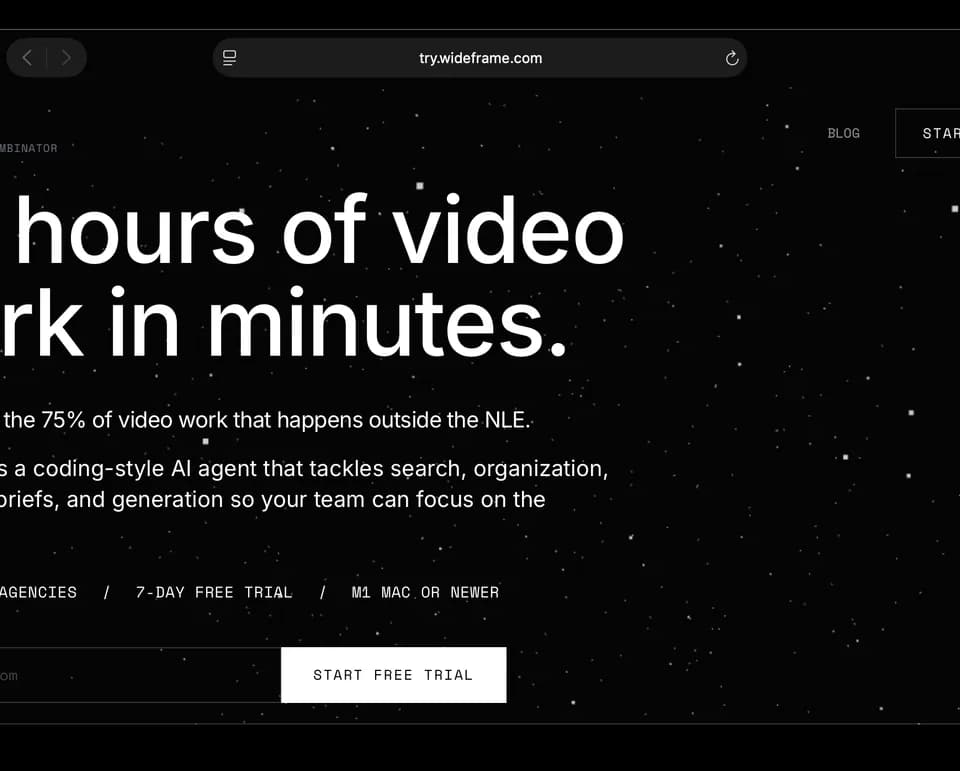
Wideframe is a Mac assistant for preparing footage before the creative edit. You point it at your media and describe the work you need in plain language. The Wideframe product page says it returns a native Premiere Pro project built from your clips.
Preparing real footage
Wideframe searches, labels, and indexes footage from local drives or cloud storage without moving the source files. The publisher's examples include an interview stringout in transcript order and a multicamera sync with speaker labels.
Its toolkit lists more than thirty ready-made skills, including pulling selects, organizing bins, captions, and interview stringouts. Transcription and speaker labeling work across the footage library. The resulting .prproj file opens in Premiere Pro, where you make creative adjustments and export the finished edit.
This makes the app relevant to an editor who already has raw clips and needs help organizing them into a usable timeline. The output remains a Premiere project for the editor to inspect and finish.
Included generation tools
The subscription also lists video and image generation, ElevenLabs voiceover and music, and HeyGen dubbing and localization. Wideframe can read, write, and edit .prproj files, and it lists options to bring your own keys through skills and MCP connections.
These additional tools sit alongside footage preparation in the published subscription. The source does not provide output-by-output quality measurements, so review generated material and timeline decisions in the same way you would review other material entering an edit.
Requirements and billing
Wideframe requires an Apple Silicon Mac with an M1 chip or later, plus Premiere Pro. The pricing page lists an individual subscription at $100 per month and custom team pricing. It advertises unlimited editing and generation, with a note that prices may change after the beta period.
The seven-day trial requires a card. The first $100 charge occurs when the trial ends unless you cancel beforehand. You can cancel through Account > Billing in the Mac app or contact the publisher by email. Confirm that the hardware requirement and Premiere workflow fit your setup before starting the trial.