
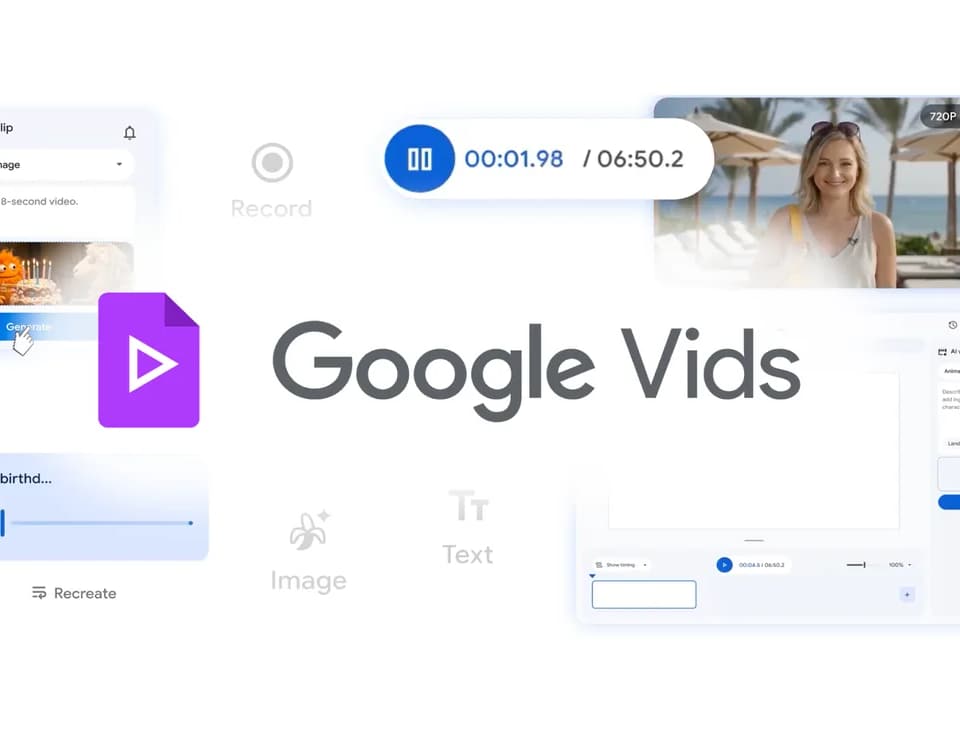
Google Vids
Google Vids is Google's video editing and creation suite. Its April 2026 product update describes a workflow that combines generated clips with recording tools and direct sharing. The update separates features available to personal Google accounts from those reserved for eligible AI subscriptions.
Generate clips from a prompt or photo
Google Vids can generate video clips from a text prompt or photo using Veo 3.1. Google gives examples such as an animated party flyer, a short promotional idea, or a greeting card. These examples suggest a useful starting point for projects that need a brief visual scene before editing and sharing.
The April update says personal accounts receive 10 video generations per month at no cost. It also lists up to 1,000 Veo videos per month for Google AI Ultra and Workspace AI Ultra accounts. Check the allowance attached to your account before planning a project that needs repeated attempts.
Add music and a recurring presenter
Google AI Pro and Ultra subscribers can generate music with Lyria 3 and Lyria 3 Pro. The described lengths range from 30-second clips to three-minute tracks, allowing a short greeting or a longer recap to have its own soundtrack.
The same subscribers can direct and customize AI avatars. Google describes placing an avatar in a scene, having it interact with an uploaded product or prop, and changing clothes or backgrounds while maintaining its voice and identity. For a tutorial or product explanation, decide what the presenter should demonstrate before generating the scene, then inspect whether the result communicates that action clearly.
Record and review before sharing
The Google Vids Screen Recorder Chrome extension records your screen and yourself from the browser. That can add real demonstrations to a project whose other scenes use generated footage.
Vids can publish finished videos directly to YouTube. Exports default to Private, giving the creator a chance to review the video before wider sharing. Check the footage, soundtrack and presenter together at that stage. The captured update does not give a complete editing specification, export-format list or subscription price table, so those details need checking in your account if they determine whether Vids fits your project.