
PageLens
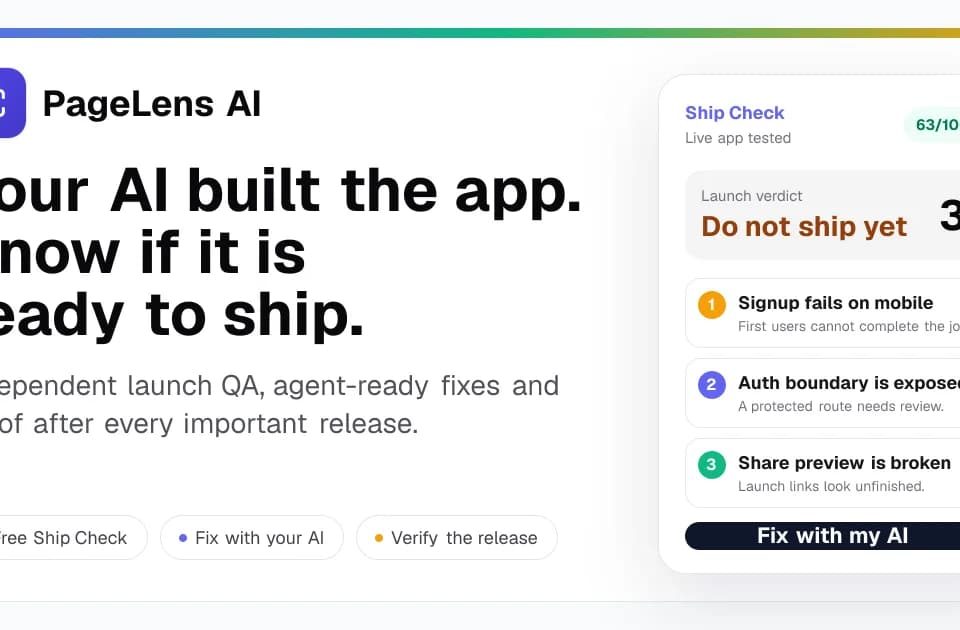
PageLens is a browser-based auditing service for checking live websites, web apps, app listings, and app-store screenshots before launch. It is designed to evaluate the deployed experience independently of the AI or no-code tool used to build it, then turn findings into prioritized repair guidance and, for some plans, a verification re-scan.
What it does
PageLens checks a public website or web app by rendering the live page in a browser and examining elements such as the DOM, headers, links, structured data, screenshots, and page metrics. Its documented coverage includes user experience, SEO and crawl readiness, accessibility, performance, mobile behavior, security headers, content, design, tracking, trust, conversion, errors, and AI-search readiness.
The service also supports QA audits for public production or staging applications. These audits can explore user journeys, map routes, identify interactions that need review, and provide evidence for potential flow or design risks. The publisher also documents scoped testing of authenticated routes using supplied credentials, with route and safety boundaries that exclude destructive actions.
PageLens has separate workflows for reviewing Apple App Store or Google Play listings and for producing exact-size screenshot directions from real app screens. A listing review can cover copy, trust signals, screenshot order, and experiments, while the screenshot product provides three visual directions intended for editing and testing.
Notable capabilities
- Launch verdicts and prioritized issue summaries based on browser-visible evidence.
- Desktop and mobile evidence, screenshots, rendered-page inspection, and deterministic checks.
- Repair-oriented Markdown or copyable instructions for coding agents and development workflows.
- Verification re-scans after fixes, including before-and-after evidence for supported plans.
- Scan-region options listed for London, Frankfurt, Virginia, Oregon, and Sydney.
Who it helps
PageLens is aimed at people launching or maintaining websites and applications built with AI or no-code tools, including teams using Lovable, Bolt, Replit, Cursor, Claude Code, Codex, Copilot, Windsurf, v0, or similar builders. It can also fit agencies, founders, and product teams that need a ranked list of release risks rather than a general checklist. App developers working on store presentation can use the listing-review and screenshot workflows separately from the website audit.
How it fits a workflow
A typical website workflow starts with a public URL. The free Ship Check covers one public page and returns a launch verdict, up to three issue summaries, and one fix instruction without requiring an account or card. The paid Launch Pass expands the check to up to 15 public pages, adds desktop and mobile evidence, Markdown exports, a complete prioritized fix queue, and one verification re-scan. The pricing page lists Launch Pass at $29 as a one-time purchase; recurring Release Guard and Studio plans are also offered for ongoing release QA. (Pricing details)
Findings can be sent back to the coding agent as a scoped work order containing the issue, evidence, acceptance criteria, and verification steps. After deployment, the live app can be checked again rather than relying only on a successful build.
Strengths and limits
PageLens’s practical focus is on live, browser-visible release risks and evidence-backed repair instructions. It does not require code access for the initial public check, which makes it suitable for independently reviewing a deployed result. However, the publisher states that it does not replace penetration testing or human QA. High-risk security, legal, accessibility, and payment flows still require specialist review, and its checks should not be treated as a security certification or a complete substitute for expert testing.