
Sea Imagine
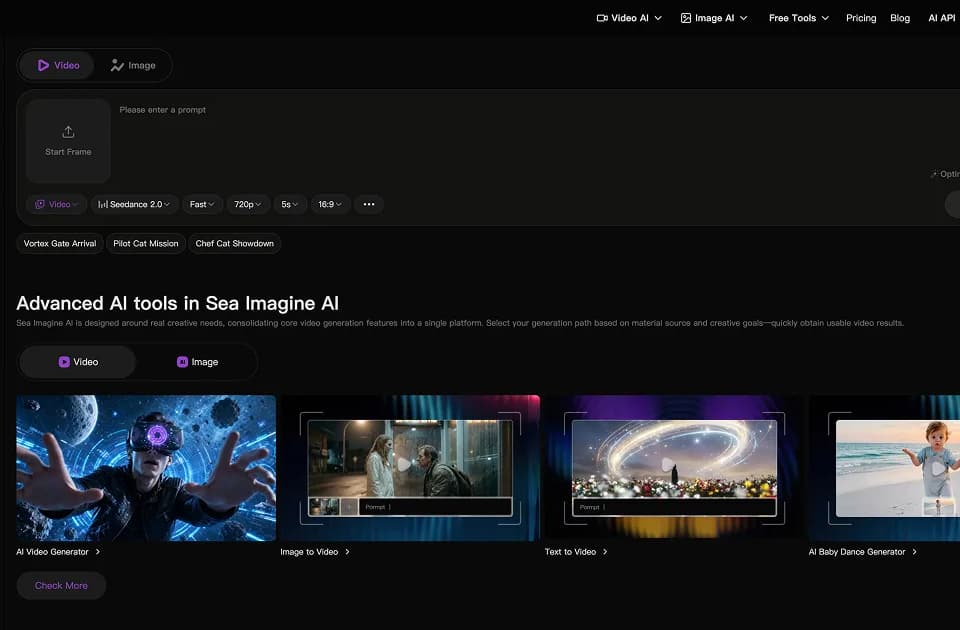
Sea Imagine provides a browser workspace for generating images and short videos from text or reference images. Its beta AI Canvas connects prompts, references, and generation steps on a visual board, which can help you keep variations together while developing a scene or campaign.
Choose the source material before generating
The platform describes text-to-video, image-to-video, image generation, and lip-sync tools. Its main product page advertises videos up to 15 seconds long with integrated audio. Treat that as the platform's stated scope and check the selected model's settings before planning a longer sequence.
For an existing product photograph, image-to-video starts with a defined visual reference. For a concept that has not been photographed, a written description can provide the starting point. Keep the subject, intended motion, and camera treatment clear, then compare the result with the original brief rather than relying on the appeal of the first preview.
Sea Imagine offers access to several models within its own interface. A model name in that catalog does not establish that Sea Imagine is the model developer, or that the hosted option has the same limits and terms as a direct provider account. Verify the particular generation route you intend to use.
Use the canvas to compare variations
The AI Canvas is labeled beta and is described as an infinite workspace for organizing generation steps. Keeping reference material beside alternative outputs can make it easier to see whether a revision improved the subject, composition, or movement you wanted.
Generated imagery still needs a publication check. Inspect faces, text, and product details, and listen to any included audio. If a clip represents a real product, avoid using synthetic details that imply features it does not have. Obtain permission for identifiable people or supplied reference material.
One-time credits still have an expiry date
The pricing page lists 60 credits for new users and 20 credits for each daily check-in. Free access has limited standard-model availability and slower processing priority.
Paid packs include 10,000 credits for $19.99 and larger packages. The listed paid options include watermark-free output, private use, and a commercial license, but purchased credits are valid for one month. Buying once therefore does not mean keeping unused credits indefinitely.
Confirm the current cost of your chosen model and settings before estimating how many clips a pack will cover. Check licensing conditions separately from input rights: a commercial plan does not give you permission to use someone else's photograph, character, or voice.