
AIFormatter
AIFormatter formats supplied content into document templates. You can upload a file or enter raw text, choose a document type and style, then edit the rendered result. The site offers dedicated workflows for resumes, cover letters, meeting agendas, invoices, receipts, and quotations.
From draft material to a template
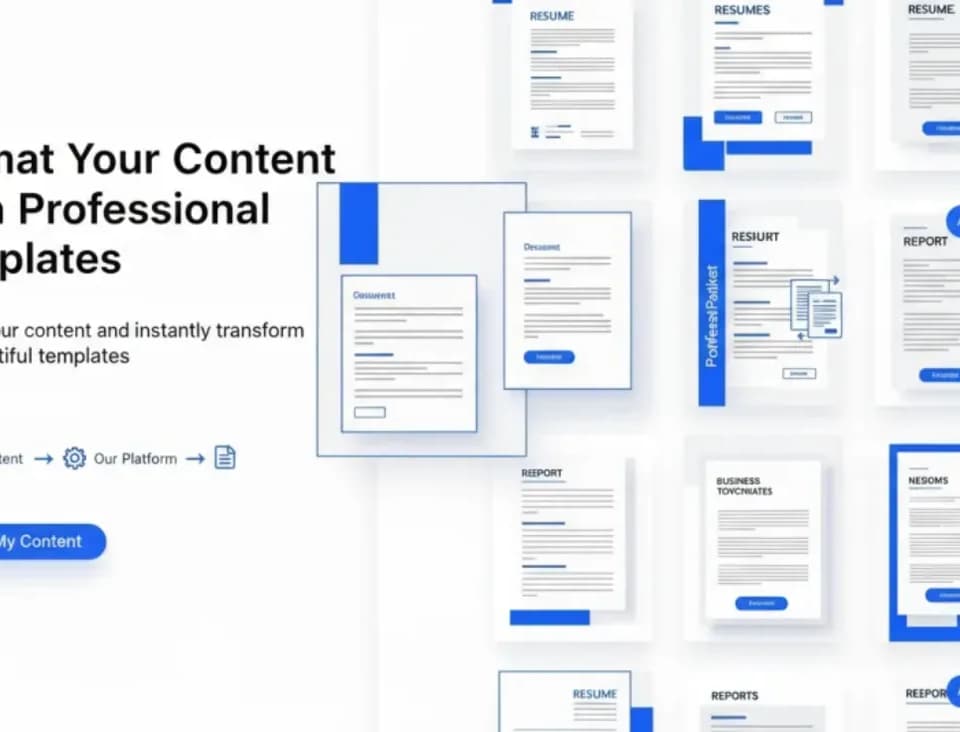
AIFormatter's published workflow starts with a template and your existing content. The formatter applies structure and layout while aiming to retain your information. The template library includes both conventional business documents and more distinctive resume designs, so choose a layout that fits the recipient and purpose.
A meeting agenda workflow can organize draft notes, while an invoice workflow starts with invoice details. These are useful distinctions: the tool expects your actual material even when it supplies the document's visual structure. Check names, dates, line items, and any missing fields after rendering.
Edit and export the result
You can edit rendered content, formatting, and layouts before downloading. The homepage lists Word and PDF among the export formats and describes direct sharing. Keep that editing step in the workflow, especially for job applications or documents where a small factual error matters.
The publisher promotes ATS-oriented resume templates and reports a content-preservation accuracy figure. The captured pages do not provide independent testing for those claims. A template label does not guarantee a particular recruitment outcome, and the generated document still needs a human check against the original information.
Credits and current pricing
The pricing page lists Basic at $19.99 per month with 100 credits and Pro at $29.99 per month with 200 credits. One credit pays for one rendered page. It also lists a 50-credit pack for $5 as a one-time purchase without a subscription.
The homepage advertises free formatting, while the pricing page focuses on paid access. Confirm the available allowance in the interface before rendering a large file. Page count is the relevant unit for estimating credit use, and the plan descriptions include online editing and watermark-free downloads. Choose capacity around the documents you expect to render rather than the number of template categories.