
iMideo
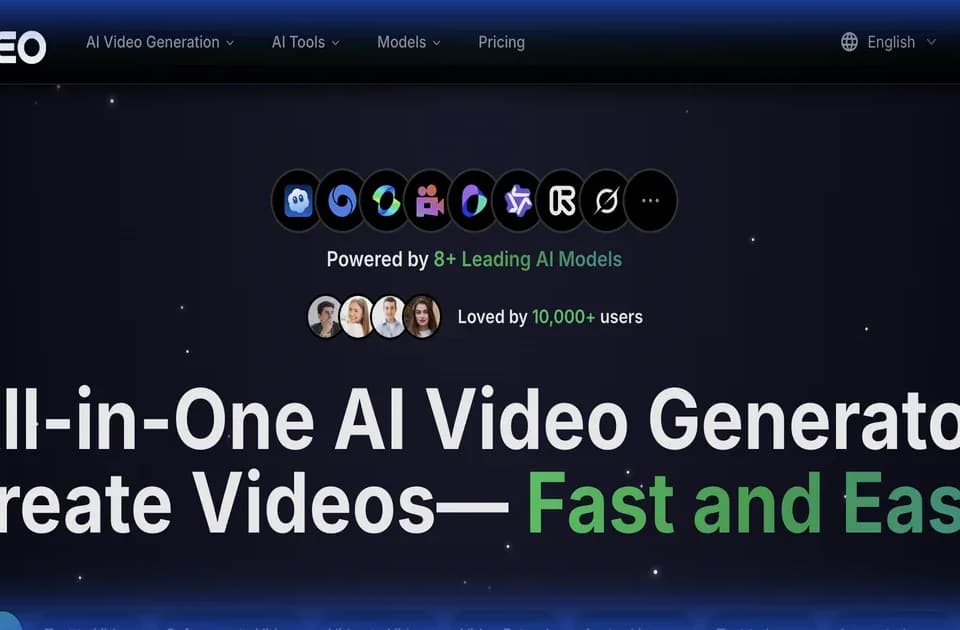
iMideo is a browser-based AI video workspace with several generation paths. You can begin with text, a still image, reference images, or existing footage. The official iMideo page describes a workspace for switching models and comparing outputs, plus tools for image and video editing.
Choosing the input
Text-to-video uses a scene description, including camera movement and mood. Image-to-video animates a source image. Reference-to-video can combine multiple images into a scene, while video-to-video uses an existing clip to generate a variation in style or direction.
Choose the starting material that contains the information you most need to preserve. A product photo gives a different brief from a description of a scene. State the motion you want and inspect the result for changes to the product or subject before making another variation.
Generating and finishing clips
The homepage lists models including Veo, Seedance, Kling, and Runway. Available options and their costs depend on the chosen model and mode. iMideo also lists subtitle generation, sound effects, background removal, and video extension among its tools.
The publisher's FAQ describes MP4 export at 24 frames per second, with square, vertical, and horizontal aspect ratios. It lists clip durations of 5 to 15 seconds depending on model. Pick the format for the intended destination before generation, then verify the chosen model's settings in the creation panel.
Paying for iterations
Free starter credits are advertised without a credit card requirement. Paid options include one-time credit packs and monthly or yearly subscriptions. Credit use depends on model, resolution, duration, and mode.
The pricing details say one-time credits last one month, monthly credits reset at the end of the billing period, and yearly credits accumulate while that subscription stays active. Compare the allowance with the number of drafts and reruns you expect, rather than equating a credit balance with a fixed number of videos.
Keeping the output
Asset storage depends on the purchase type. Free results are deleted after 24 hours; credit-pack retention varies, while subscription results stay stored during the active subscription. Download anything you need to retain.
The publisher allows commercial use when you have rights to the uploaded material and follow its terms. Check that condition for source photos, footage, and brand assets before using a generated clip in a client campaign.