
Linked Helper
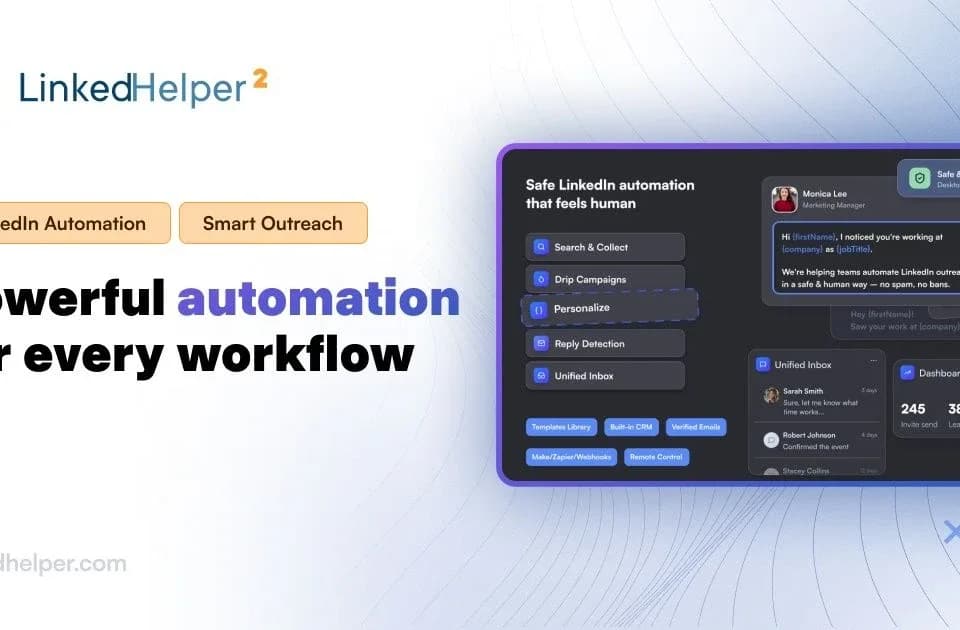
Linked Helper is a desktop application for organizing and automating LinkedIn outreach. Its official site describes campaign sequences, a built-in CRM and AI tools for lead qualification and messaging. Users can combine profile visits, invitations and follow-ups, with reply detection to pause outreach when a contact responds.
Qualify a lead list before outreach
The AI ICP Detection feature compares collected profiles with a plain-language description of an ideal customer. Users choose the profile fields to analyze and set a minimum match level.
Matched leads continue to the next campaign action, while profiles below the threshold go to a Failed list. This gives a team a defined filtering step before an invitation or message. Review sample decisions against your actual criteria, particularly when job titles or incomplete profile data could lead to a poor match.
The feature also lets users choose data already held in the database, enrichment or profile visits, and set a freshness requirement. Those choices determine which information the qualification step relies on.
Review messages and manage replies
Linked Helper's AI Messages drafts invitations and follow-ups from profile information and a campaign goal. The messaging feature page says drafts enter an AI Drafts queue by default, where users can edit, regenerate and approve them before sending. An optional auto-approve setting changes that level of oversight.
The Reply Assistant uses conversation history in the Linked Helper Inbox to suggest a response. Users can provide a goal for the reply or polish their own wording. Check that a draft accurately reflects both the recipient's profile and the prior conversation before approving it.
The CRM stores tags, notes and interaction history. The publisher also lists CSV exports and connections to services such as HubSpot, Salesforce and Pipedrive, with plan-dependent export and integration limits.
Choose storage, credits and account coverage
Linked Helper offers a 14-day trial without requiring a credit card. Its pages say campaigns pause when the trial ends rather than triggering an automatic charge.
Standard and Pro plans have separate local-storage and cloud-storage versions. Prices vary with storage choice and billing term, while included AI credits and data-enrichment credits are separate allowances. One license covers one LinkedIn account at a time, although users can move the license between accounts.
The publisher advertises daily limits, schedules and randomized delays. Its claims of undetectable or completely safe automation do not constitute an independent account-safety guarantee. Confirm the selected plan's limits and evaluate the workflow's suitability for your account before running a campaign.