
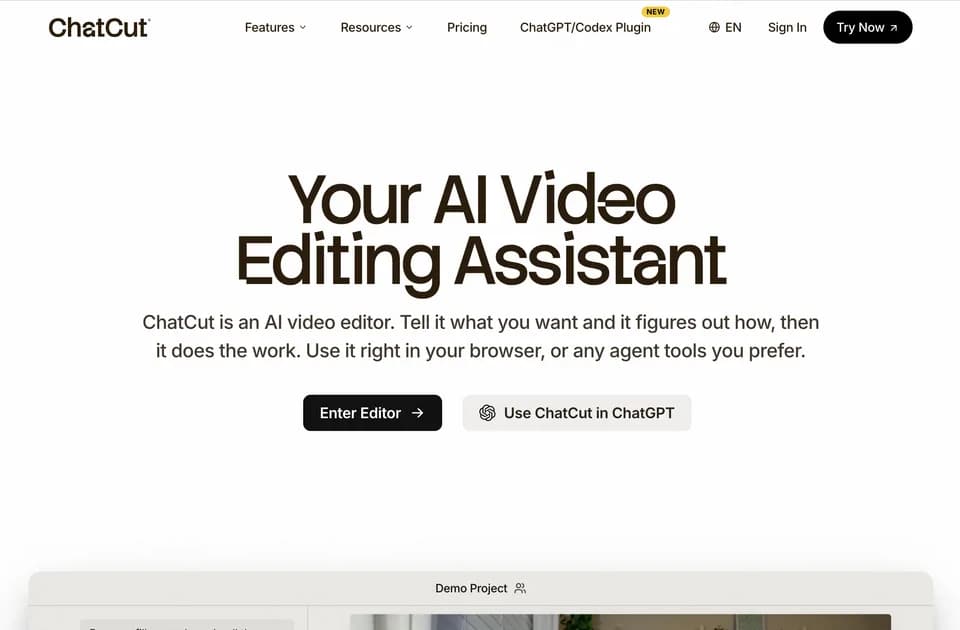
ChatCut
ChatCut is a video editor that accepts conversational instructions while retaining a visible multi-track timeline. Its described workflow combines transcript editing, captions, music, motion graphics, and supporting clips. Users can inspect the cut and adjust it by hand instead of accepting a finished render with no editable project.
Cut speech through the transcript
The publisher says every transcript word carries a timestamp and deleting a line removes its corresponding video and audio. It also describes instructions for trimming silence and filler words. That makes the transcript a practical entry point for interviews, podcasts, and talking-head footage.
An editor still needs to preserve meaning and conversational context. A shorter cut can omit a qualification even if the remaining sentences sound smooth. The demonstrations show intended operations, not a Franklin measurement of transcript accuracy or editing quality.
Build graphics on their own tracks
The motion-graphics page describes creating lower thirds, title cards, counters, charts, and logo reveals from instructions. Generated graphics remain editable: text, colors, timing, and transparency can be changed. The page also describes library graphics and alpha export.
The broader editor lists captions, voiceover, generated B-roll, and noise removal. Review timing, spelling, and any displayed statistics before export. A generated chart or counter still needs a correct underlying figure; the example numbers in the interface are not source evidence for your own video.
Separate editing access from generation allowances
The pricing page offers five free credits and a web export limit of 60 minutes total. A feature page displays $25 monthly billing with 100 credits and model-dependent maximum output examples. Those examples are alternatives for spending the balance, not simultaneous allowances of every listed media type.
ChatCut also presents use through desktop agents and a browser editor. Check the current connection and included features for the mode you use. Confirm the export codecs, paid limits, and commercial-use license before planning a client-delivery workflow.