
Riverside: HD Podcast & Video Software
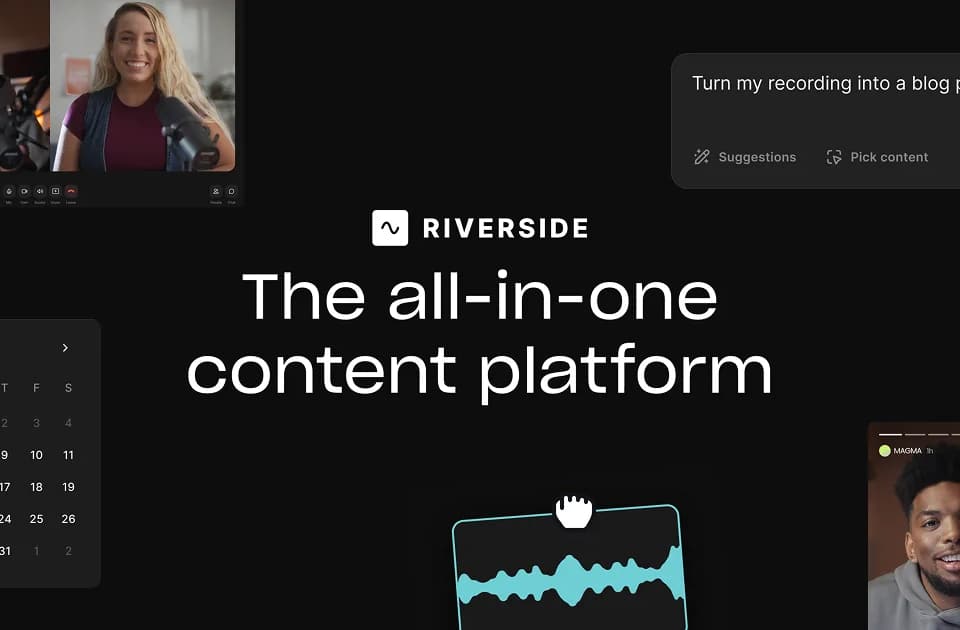
Riverside combines remote audio and video recording with editing, promotional assets, and publishing. Its stated uses include podcasts, interviews, webinars, and live streams. A creator can record a session, edit it through its transcript, then prepare shorter clips and publish the finished content from the same platform.
Record separate audio and video tracks
The official platform page describes local recording with video up to 4K and uncompressed audio. Participants' audio and video are captured on separate tracks. Separate tracks give editors a way to deal with crosstalk and adjust layouts during post-production.
Riverside supports recording alone or with guests. Its local recording approach is intended to keep the captured media quality independent of the live internet connection. The page offers a free plan and says a credit card is not needed to start.
Edit through the transcript
The text-based editor lets you search, cut, copy, and paste in a transcript to edit the corresponding video. Other editing features include customizable animated captions and reusable branding with a logo, colors, intros, and outros.
The AI tools cover noise removal, filler-word and silence removal, and layout changes based on who is speaking. Riverside also advertises speech correction through transcript edits with synchronized voice and lip changes, plus eye-contact correction. Prompt-based B-roll generation and translation with dubbing into more than 30 languages extend the editing options.
Repurpose and distribute recordings
AI Co-Creator generates promotional materials such as clips, posts, thumbnails, and headlines. Riverside also describes automatic transcripts, show notes, titles, descriptions, and chapters for recordings. These features support preparing an episode and the shorter material used to promote it.
Built-in podcast hosting connects the publishing workflow with Spotify, Apple, and YouTube, alongside analytics for show and episode performance. Live event tools include streaming to multiple destinations, audience call-ins, Q&A, centralized chats, and custom branding. For webinars, the page also describes registration, email reminders, and syncing registrant information to HubSpot.