
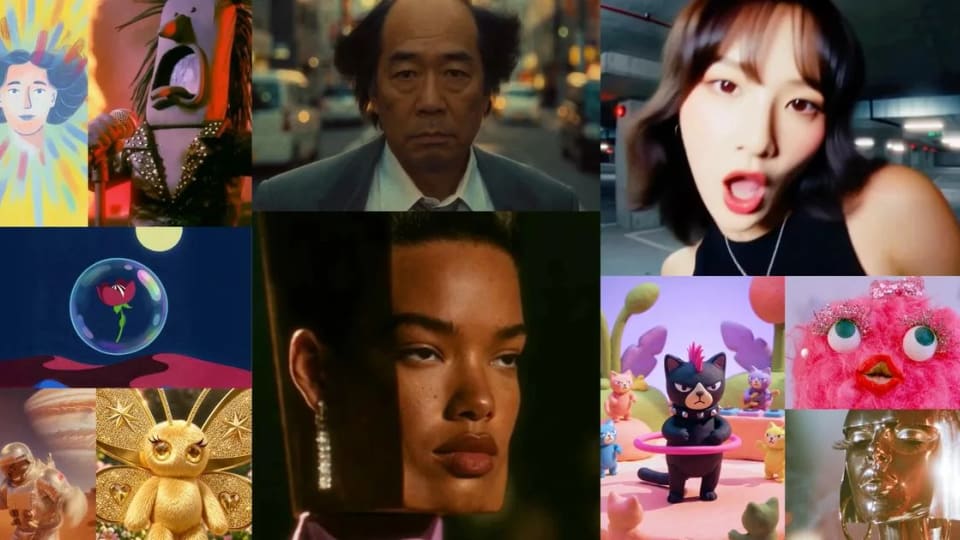
Suno introduced Visuals in a November 17, 2026 product post, adding image and video generation to its music-focused service. The feature lets users bring songs from their library into a visual workflow rather than starting with an unrelated video project.
What can Suno Visuals create?
According to Suno's announcement, Visuals can produce lyric videos, album artwork and video clips reimagined from a photo. The company says it has optimized the underlying model to complement music, including song structure, lyrics and lip sync.
Users can drag a library song into the Visuals tab to make a clip up to 15 seconds long. They can then extend, edit or re-prompt it with text. Suno also supplies original characters as starting points and allows users to begin with an original image of their own.
Where is Visuals available?
Suno says Visuals is launching on the web, iOS and Android. Its visual credits are purchased separately from song credits. The announcement does not provide a price table, so a music-credit balance should not be assumed to cover this new workflow.
That distinction is relevant for a musician testing a release package: generating the track and creating its accompanying visual are separate credit decisions. Check the displayed visual-credit requirement before starting a project.
What limits apply to prompts and uploads?
Suno describes additional text and visual filters intended to block representations of specific artists, public figures and copyrighted works. The company says it also checks generated media before showing it and plans embedded watermarks before off-platform sharing.
Those are stated safeguards, not a guarantee that any proposed upload or use is permitted. Suno asks users uploading images or video to confirm they have the necessary rights. Franklin analysis: start with material you control and test one short music-linked clip before committing credits to a larger sequence. Some prompts that work elsewhere may be rejected under this service's rules.
For a separate still-to-motion workflow, our AnimatePhoto AI page explains generating a clip from an image and a movement description.
