
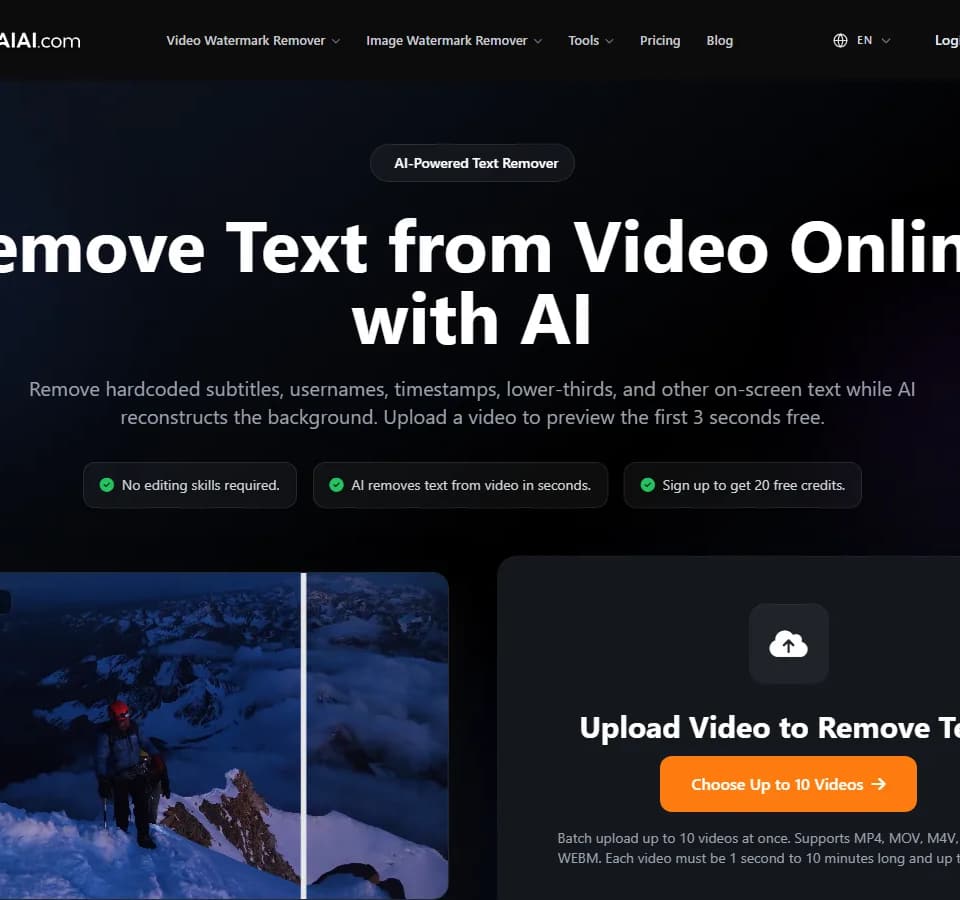
Remove text from video
The Remove text from video tool is an online AI service for clearing visible text overlays from video. It is designed for hardcoded subtitles, usernames, timestamps, lower-thirds, camera labels, and similar on-screen text, using AI inpainting to reconstruct the area behind the overlay rather than simply blurring it.
What it does
The service processes text-covered video in the browser and aims to preserve the surrounding scene while removing the selected text. The vendor says its system can handle both static and moving text by analyzing nearby pixels and frames. It is intended for videos that users own or are authorized to edit, such as personal archives, licensed footage, or a creator’s own social clips.
Users can upload up to 10 videos at once. Supported formats listed on the page include MP4, MOV, M4V, MKV, and WEBM. Each file can be between 1 second and 10 minutes long, with a maximum size of 500MB. The tool provides a free three-second preview before full-video processing; the page also states that new users receive 20 free credits after registration, while full exports require credits.
Who it helps
This tool is aimed at creators, editors, and casual users who need to clean up footage without frame-by-frame editing. Typical uses include removing embedded captions from authorized short-form clips, clearing timestamps from personal recordings, or cleaning lower-thirds and other labels from licensed video. The site specifically cautions users not to remove third-party copyright notices, ownership marks, or attribution without permission.
Notable capabilities
- AI video inpainting intended to reconstruct textures behind removed text instead of applying a blur or mosaic.
- Support for hardcoded subtitles, usernames, timestamps, lower-thirds, camera labels, and other visible screen text.
- Processing for both fixed and moving text overlays, according to the vendor’s description.
- Batch upload of up to 10 videos, with preview results available before full export.
- Original upload support for clips up to 500MB and 10 minutes, with MP4, MOV, M4V, MKV, and WEBM listed.
How it fits a workflow
A typical workflow is to upload one or more clips, identify the on-screen text to remove, and review the generated three-second preview. If the result is acceptable, users can spend credits to process and download the full video. This preview-first process is useful for checking difficult areas before committing credits to a longer export.
Strengths and limits
The main practical strength is automated reconstruction of the background, which can be more suitable than covering text with a visible blur. Results depend on the information available around and behind the overlay. The site notes that text over faces or hands, fast-changing backgrounds, low-resolution or heavily compressed footage, large text areas, and multiple translucent or animated layers may produce less accurate results or require additional editing. The service does not provide a guarantee that every removal will be invisible, so previewing is important.