
Presenton
Presenton is an open-source AI presentation maker that turns prompts, documents, data, and existing presentations into editable slide decks. It supports cloud use, self-hosting, desktop or Docker deployment, and API-based presentation generation for automated workflows.
What it does
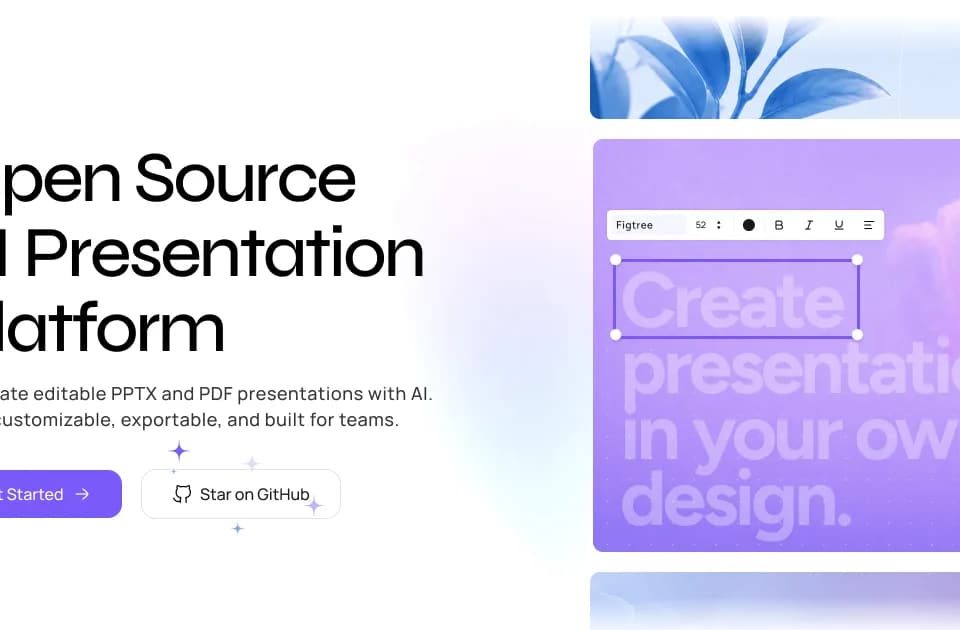
Presenton generates presentations as editable PPTX or PDF files rather than flattened images. Users can start with a prompt or source material such as PDF, PPTX, DOCX, or other documents, then refine the result in a canvas editor. The editor supports dragging, resizing, and rewriting slide elements, while chat-based editing can update structure, content, visuals, or selected slides through natural-language instructions.
Users can also upload an existing PPTX and convert its colors, typography, spacing, and layout rules into a reusable design system. This supports recurring reports, sales decks, internal presentations, and other workflows where new decks need to follow an established visual language. Presenton also offers deterministic and creative generation modes, although the site does not specify how those modes differ in every case.
Notable capabilities
- Generate presentations from prompts, documents, data, or structured JSON.
- Export decks to editable PPTX and PDF formats.
- Edit slides on a visual canvas or through conversational AI commands.
- Reuse an uploaded PPTX as a design system with saved layout and typography rules.
- Generate presentations through an API with synchronous or asynchronous workflows, webhooks, and scoped iframe embedding tokens.
Who it helps
Presenton is aimed at individuals and teams creating presentations from reports, briefs, reference documents, or recurring business content. It may also fit developers embedding slide generation into products, reporting systems, or internal automations. Teams that need infrastructure, data, or provider control can self-host the Apache 2.0-licensed software, while organizations seeking managed access can use the cloud platform. Enterprise deployment options include cloud, VPC, on-premises, and air-gapped environments, according to the vendor.
How it fits a workflow
A typical workflow can begin by uploading source documents or an existing branded deck, generating an outline and slides, then revising the content in the editor or with chat-based commands. The final deck can be exported for continued editing in PowerPoint or shared as a PDF. Developers can instead submit prompts, documents, or data through the API and connect generated presentations to applications and automation pipelines.
Like Dokie, Presenton focuses on transforming source material into structured slide decks, but Presenton additionally documents self-hosting, reusable design systems, editable PPTX export, and an API for embedded generation.
Strengths and limits
Presenton’s documented strengths are editable output, support for existing brand systems, flexible deployment, and control over configured AI and media providers through bring-your-own-key options. Self-hosted users can configure providers including OpenAI-compatible endpoints, Amazon Bedrock, and local models through Ollama.
Cloud usage is organized around credits: one generated slide uses one credit, so a 10-slide presentation uses 10 credits. The exact plan prices and allowances are shown by the billing service on the pricing page. Data handling depends on deployment and provider configuration; self-hosted local setups can keep content within an organization’s infrastructure, while external cloud providers may receive relevant requests under their own terms.