Presentation Maker

Tool snapshot
Best fitDesign · Image Generation · Marketing
In one lineDesign.com's AI Presentation Maker generates slide-design options from business details, with visual editing and paid high-resolution downloads.

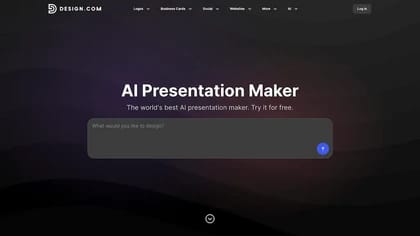
Design.com's AI Presentation Maker creates slide-design options from a business name, description or keywords. It combines generated layouts with a visual editor so you can replace the draft content and adapt the presentation to your own message.

Give the generator a topic and a real brief

The presentation product page describes entering business details to generate several possible decks. You can revise the prompt and save designs to a shortlist before choosing one to edit.

A business name alone cannot supply the evidence for a sales report or an investor pitch. Prepare the actual figures and the argument you want to make, then use the generated options to explore presentation structure. Review every claim before presenting it, particularly when the deck includes market estimates or financial projections.

Adjust the design around the content

The editor supports changes to fonts, colors, layouts and graphic elements. The publisher also describes applying a logo's brand colors and typography across the slides. Check the result against your actual brand guide rather than assuming automatic matching reproduces every requirement.

Design.com advertises a media library and tools for charts and diagrams. A chart still needs a clear scale, labels and a valid data source. Preview the deck at the size and in the application you will use for the meeting, since small text and decorative graphics can become difficult to read on a projected screen.

Confirm the export before paying

The page says you can explore and customize designs for free, while its FAQ lists a $9-per-month Premium plan for high-resolution downloads, storage and the wider design suite. Confirm the actual billing terms and included export options in your account.

The publisher describes PowerPoint and Google Slides compatibility, but also lists image and vector files among the available presentation assets. Check whether the chosen download preserves the editable text, charts and layout features you need rather than assuming every format is a fully editable slide deck. Commercial-use language should be read alongside the asset-license terms, especially when adding your own photography or a client's logo.