
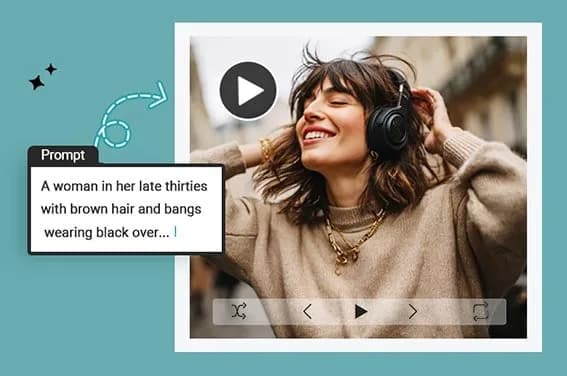
Free AI Text to Video Generator Online
insMind AI text-to-video generator turns written prompts into AI-generated videos for social media, marketing, education, storytelling, and other creative projects. It is presented as an online tool with a free trial and mobile browser support.
What it does
insMind converts anything from a brief scene description to a longer screenplay into a generated video. The service describes possible outputs including cinematic animations, animated films, product demonstrations, explainer videos, trailers, educational clips, and social media content. Users can also drop in, paste, or provide a URL for an image as an input option.
The workflow is designed for users who want a generated video without working through a traditional editing timeline. The site says videos can be exported as HD MP4 files and formatted for platforms such as TikTok, Instagram, YouTube, and websites.
Notable capabilities
- Text-to-video generation from short prompts, creative ideas, or full scripts.
- Image input through upload, paste, or URL.
- Selectable aspect ratios including 16:9, 9:16, and 1:1.
- Video settings for AI model selection, prompt strength, and video length; the page gives Kling 2.1 as an example model.
- HD MP4 export intended for social sharing, including TikTok, Instagram, and YouTube formats.
Who it helps
The tool is aimed at content creators, marketers, educators, bloggers, authors, podcasters, and businesses that need visual content from written material. Marketers can use product descriptions, taglines, or landing-page copy as starting points for promotional videos. Educators can turn lessons or summaries into visual clips, while creators can develop stories, reels, and other social content.
How it fits a workflow
A typical process is to enter a prompt, choose the model and output settings, generate a preview, then download the result as an MP4 file. Aspect-ratio options support both vertical and wider video placements. The service also states that creation is optimized for mobile browsers, so users can generate and share videos without a desktop computer.
For a similar browser-based workflow that accepts written prompts or images and offers explicit duration and resolution controls, Vora: Free AI Video Generator is another reviewed option.
Strengths and limits
insMind's main strength is a prompt-first workflow that reduces the need for conventional video-editing skills and offers image input, style choices, and platform-oriented formatting. The published material does not specify exact generation limits, supported durations, export file-size limits, or the terms of its free trial, so those details should be checked in the product interface before planning a larger production workflow.