
Thread Deck
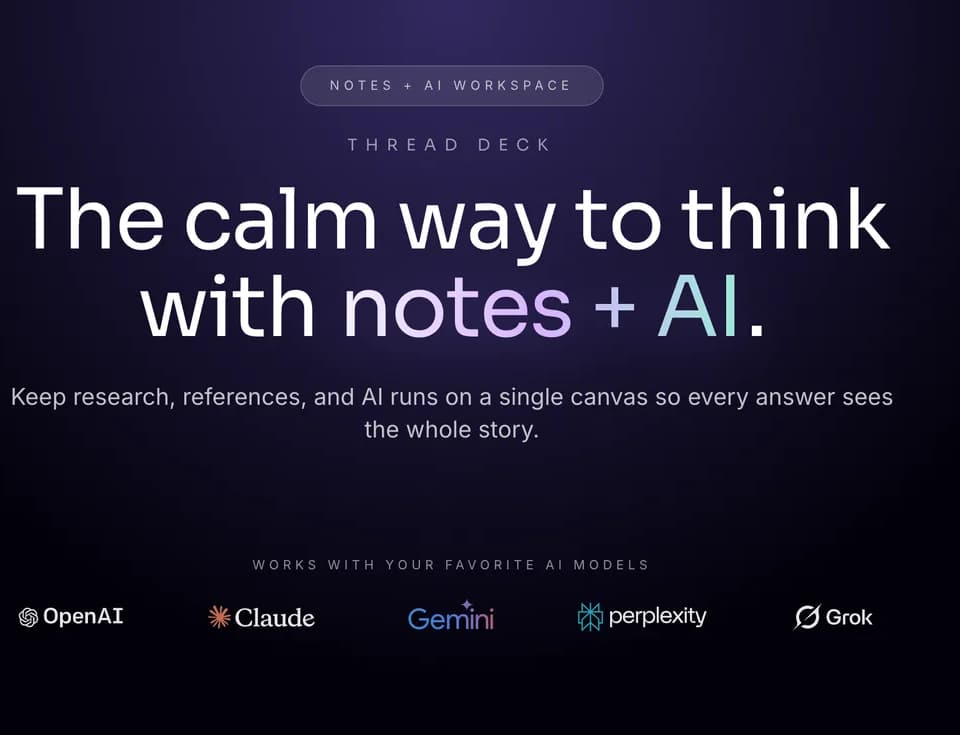
Thread Deck is a canvas-first workspace for keeping notes, ideas, links, prompts, and AI results visible together. Its official site positions the product as a way to connect thinking on one canvas and bring in AI assistance when needed.
What it does
Thread Deck lets users arrange notes, links, and screenshots on a shared visual canvas. Notes can be connected to AI models, with prompts and generated outputs remaining linked to the original context instead of being separated across browser tabs or chat windows. The workspace also supports reusable prompts, tones, and snippets that can be pinned and dragged into new ideas.
Users can share a canvas through a link, choosing whether it is public or private. Shared canvases are designed to show the same notes, blocks, connections, and AI results to everyone, with real-time updates and invite links for collaboration.
Notable capabilities
- Drag-and-drop canvas for notes, links, and screenshots.
- Connections between source notes, prompts, and AI outputs.
- Access to ChatGPT, Claude, and Gemini through linked AI runs, with model availability depending on the plan.
- Reusable prompt, tone, and snippet blocks.
- Shared canvases with real-time updates and public or private links.
Who it helps
Thread Deck is aimed at individuals, creators, founders, AI users, and teams that want to organize exploratory thinking without splitting work between documents, tabs, and separate AI conversations. It may fit brainstorming, prompt-driven work, research notes, and collaborative idea development where preserving context is important.
The canvas approach overlaps with CanvasGPT, another visual workspace for connecting ideas and AI-assisted work. Thread Deck’s described workflow centers more specifically on notes, prompts, reusable blocks, and linked model runs, while CanvasGPT’s reviewed scope includes files, web and clipboard media, voice or text questions, and connected generated artifacts.
How it fits a workflow
A user can place an initial idea or source note on the canvas, add supporting links or screenshots, and send the relevant note to an AI model. The resulting prompt and output remain alongside the source material, allowing the user to continue iterating without reconstructing context. Frequently used instructions can be saved as reusable blocks, while collaborators can work from the same shared canvas.
Strengths and limits
The main strength is visibility: Thread Deck is designed to keep related notes, prompts, links, and AI outputs in one spatial view. Its collaboration and sharing features also make the canvas useful for group ideation rather than only personal note-taking.
The free plan is limited to three canvases, 1,000 blended tokens per month, and GPT-4o mini. The pricing page lists paid plans with higher token allowances, unlimited canvases on the Creator tier, broader model access, and additional features such as canvas analytics on Pro. AI usage is metered through model multipliers, so consumption varies by selected model and output size.