
wan27-video.com
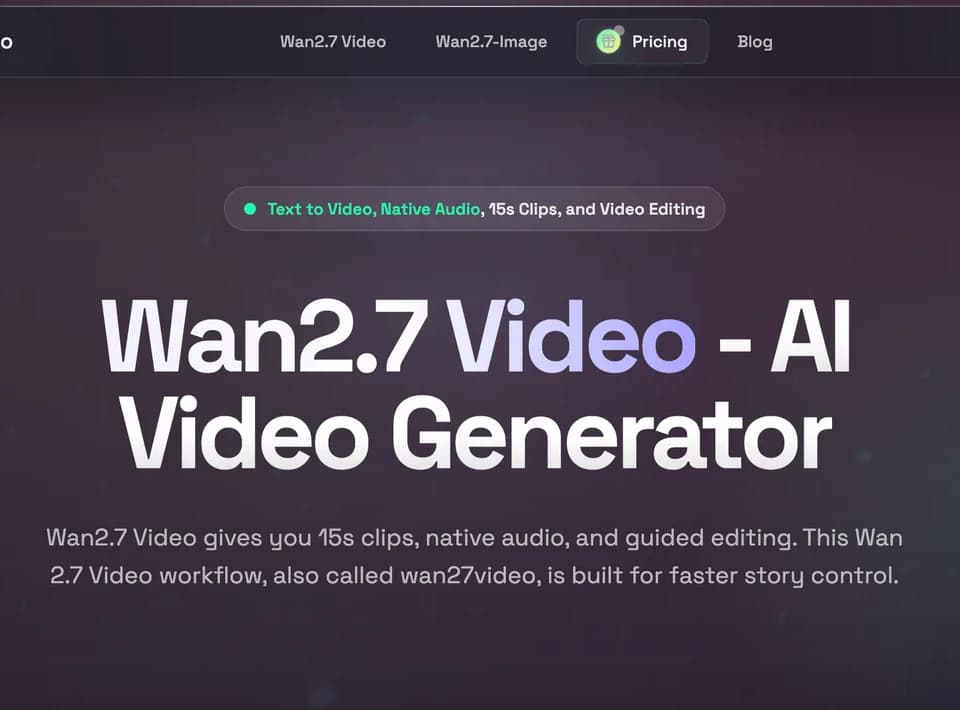
wan27-video.com is an online AI video generator built around Wan2.7 Video. It supports short-form video creation, reference-guided generation, native audio, editing, motion control, and downloadable exports, with clips advertised at up to 15 seconds.
What it does
Wan2.7 Video lets users create clips from text prompts, images, video references, or combinations of text, image, audio, and video inputs. The interface includes text-to-video, image-to-video, reference-to-video, video editing, and motion-control modes. Users can select a duration, aspect ratio, and output resolution, with 720p and 1080p options shown in the generator.
The workflow is positioned for directed iteration rather than one-pass generation. Users can provide references, revise shots with edit prompts, continue scenes from existing frames, and work with multiple references for character or visual consistency. The site also describes native multi-speaker audio, voice-linked profiles, video recreation with motion and pacing preserved, and support for text-heavy scenes in twelve languages.
Notable capabilities
- Text-to-video, image-to-video, reference-to-video, video editing, and motion-control workflows.
- Native audio and audio-sync features for generated clips.
- Up to five visual references and multi-image editing, including boards of up to nine images.
- First- and last-frame locking, frame-led continuation, and instruction-based shot edits.
- 16:9, 9:16, 1:1, 4:3, and 3:4 aspect ratios, with 720p and 1080p output options.
Who it helps
The tool is aimed at marketers, filmmakers, educators, and design teams producing short-form creative work. Listed use cases include ad variations, product demos, character-led sequences, typography-focused promotional clips, reference-based style transfer, and targeted fixes to individual objects or regions in a shot. Its editing and reference controls may be relevant to teams that need to iterate on storyboards or create multiple versions of one concept.
How it fits a workflow
The advertised process has three stages: enter a prompt or upload a reference, choose parameters such as duration and aspect ratio, then generate and download the rendered clip. Credits are used for generation and can vary according to settings, model choice, and output complexity. The pricing page lists Starter, Premium, and Advanced plans with annual credit allocations, commercial usage rights, and different processing priorities. It also describes recurring monthly or yearly plans and one-time credit top-ups.
Strengths and limits
The main strength described by the site is control across repeated creative passes: references, edit prompts, continuation, frame locking, and consistency-oriented controls are combined in one video workflow. Native audio and several input modes broaden the types of clips it can produce.
Practical limits include the advertised 15-second clip length and credit-based generation. The site presents commercial usage rights as plan features, so users should confirm the applicable plan and license terms before relying on outputs for paid work. Claims about motion quality, consistency, and faster approvals are vendor positioning rather than independent performance measurements.