
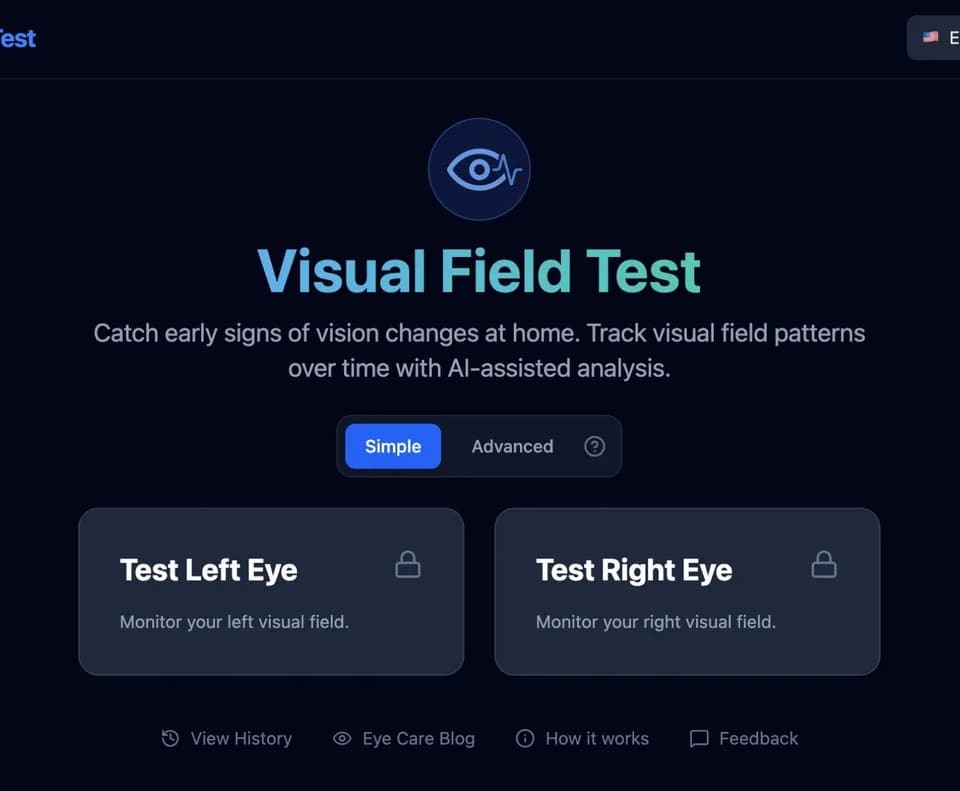
Visual Field Test
Visual Field Test is a browser-based screening and monitoring tool for mapping peripheral vision at home. Its official website provides a roughly five-minute test per eye, with AI-generated summaries and options for reviewing results over time.
What it does
The tool presents flashes at different points on the screen while the user keeps their gaze on a central fixation cross. The user covers one eye, presses the space bar or clicks anywhere when a flash is seen, and repeats the process for the other eye. Results show which points were detected and which were missed.
Visual Field Test offers a Simple mode for quick screening and an Advanced mode for threshold testing. Advanced mode reports sensitivity in decibels and includes metrics such as Mean Deviation (MD) and Pattern Standard Deviation (PSD). The service describes its AI summaries as plain-language explanations of the user's responses, including points seen, points missed, and changes across tests.
Notable capabilities
- Color-coded visual field maps showing detected and missed points.
- Automatic saving, trend charts, and weekly, monthly, or yearly views for each eye.
- Side-by-side comparison of older and newer tests, including recovered and newly missed points.
- Printable PDF reports with threshold maps, grayscale, total deviation maps, probability maps, and global indices.
- Secure read-only sharing with an eye doctor or family member, plus the ability to permanently delete tests.
Who it helps
The tool is intended for people who want to screen or monitor peripheral vision between professional appointments. It can provide organized information to discuss with an eye care professional, including for people concerned about glaucoma or other eye conditions. The interface, instructions, reports, and AI analysis are available in 30 languages according to the service.
How it fits a workflow
A user can take an individual-eye test at home, review the map and AI summary, and save the result for later comparison. Repeating tests every one to three months is suggested by the service for monitoring, although testing frequency should follow an eye doctor's recommendations. PDF exports can be brought to an appointment, while read-only sharing can provide access to a user's history between visits.
Strengths and limits
The service combines an at-home screen with longitudinal tracking, visual comparisons, Advanced-mode metrics, and shareable reports.
However, the service explicitly presents the test as a screening and monitoring tool rather than a diagnostic tool. Home testing on a screen is not identical to in-clinic Humphrey perimetry, even though Advanced mode uses a 24-2-style point grid and related metrics. Results should be interpreted with an eye care professional, and the tool does not replace a comprehensive eye exam or professional evaluation.