
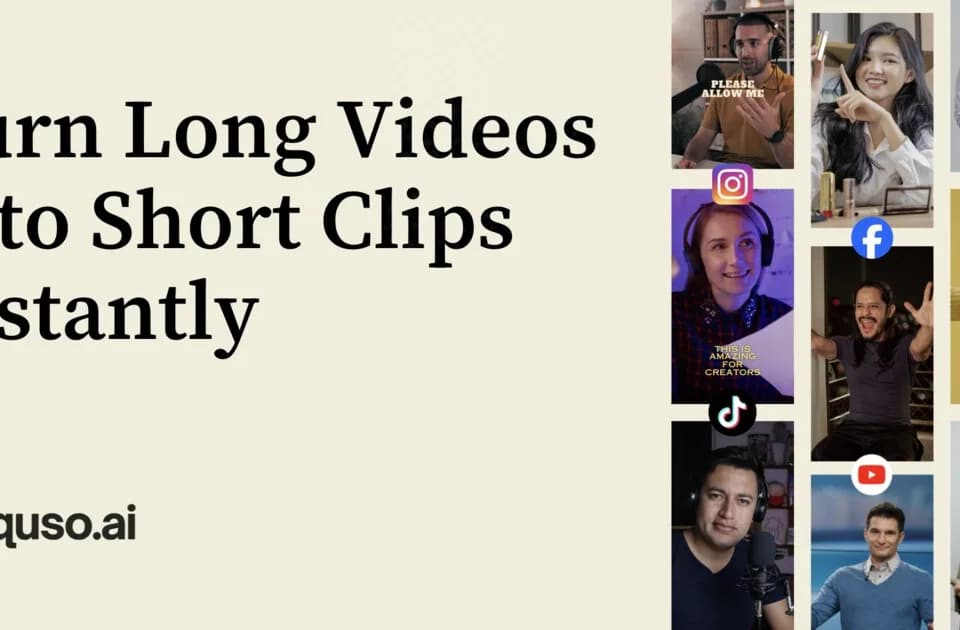
quso.ai: clip long videos, add captions and schedule approved posts
Turn long recordings into captioned clips, review and edit the results, then publish or schedule them through quso.ai’s supported social connections.
quso.ai turns long recordings into short captioned clips and provides editing and social scheduling in the same service. Its official overview is aimed at regular video publishers such as podcasters, coaches, small businesses and agencies.
What does quso.ai do with a recording?
Import a video link or upload a file. The publisher lists sources including YouTube, Vimeo, Zoom, Google Drive and Dropbox, alongside other supported services. It says the system proposes moments for short clips, reframes them vertically and adds captions.
The service assigns a virality score to suggested moments. That score is the vendor’s selection aid, rather than a guarantee of views or audience growth. Review whether each proposed excerpt preserves the speaker’s meaning before accepting its boundaries.
How can you edit and publish clips?
The text-based video editor lets users remove words and silences and add B-roll. The publisher also describes animated word-level captions, filler-word removal and paid brand-kit templates for consistent colours, fonts and logos.
Approved posts can be published or scheduled from a calendar. The free plan connects TikTok, while plans including broader scheduling connect additional social platforms. Franklin’s ScribeAny listing covers the related transcription task when readable text is the main deliverable rather than edited clips.
The website also advertises Claude and ChatGPT connections for importing videos, requesting clips and managing publication through chat. Check the connected account and the requested destination before approving a post.
How does pricing vary?
The pricing page captured for this review lists a free plan with 75 monthly credits, watermarked 720p exports and seven-day retention. It also lists paid Lite, Essential and Growth plans with different allowances and features.
The homepage says availability and pricing depend on country: some markets use one-time credit packs instead of the displayed subscription structure. Confirm the offer shown for the account’s location. A free account does not establish that every editing, storage or publishing feature is included.
What should you check before exporting?
Inspect transcript accuracy, caption timing, crop and clip context. Franklin analysis: compare a few proposed excerpts against the original recording before processing a larger series, and keep a separate copy if the selected plan’s retention period is short.
Before you try it
Frequently asked questions
What does one processing credit represent?
The pricing page describes one credit as approximately one minute of processed video. Clipping, captioning and editing draw from the allowance.
Official sourceWhich aspect ratios are listed on the free plan?
The captured free-plan offer lists 16:9, 9:16 and 1:1 clips. Its output is 720p with a quso.ai watermark.
Official sourceHow many caption languages does quso.ai advertise?
The publisher says automated subtitles and word-level animated captions support 99 languages. Accuracy should be checked against the recording.
Official source