
EditBright for editing images without an account
EditBright edits images from text and removes backgrounds in the browser. Free basic tools run without an account.
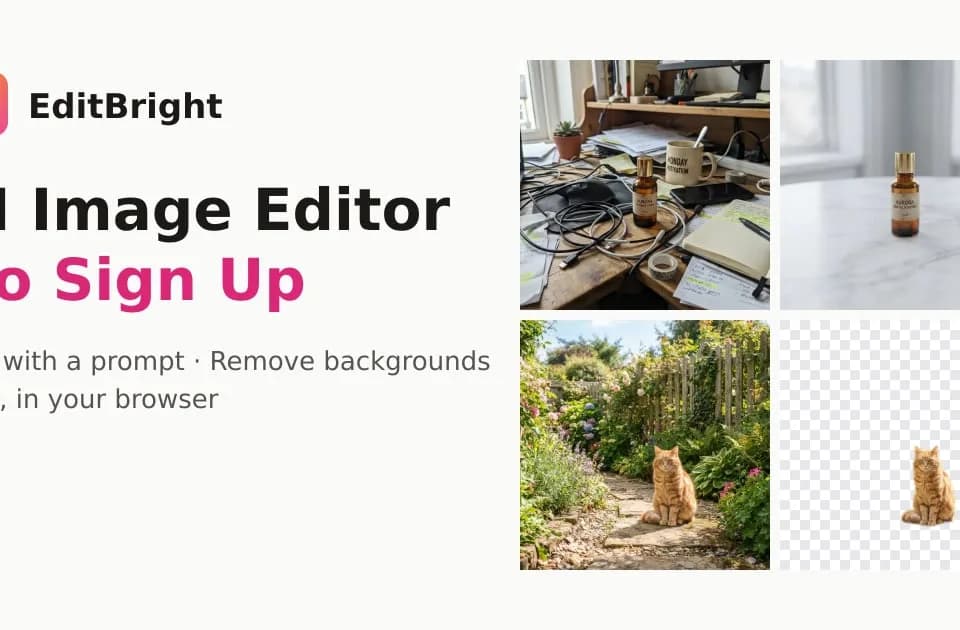
EditBright edits images in a browser when a user describes the requested change. The editor also provides a separate background remover and can generate an image when no source photo is supplied. The free tools are useful for a quick revision or when all a project needs is an isolated object on a transparent background.
How to edit a picture
Upload a photo and describe the change. A focused request can make it easier to compare the output with the input. If a specific color, shape or label matters, inspect that part of the result before downloading it. For a composition from scratch, the site says to leave the source image empty and describe the image in text. The source picture and the text prompt serve different purposes.
Getting a transparent file
The background remover has a separate workflow. The publisher says it removes a background and downloads a transparent PNG without requiring an account. That file can be placed on another background in a design or used as an asset in a slide. Check edges around fine detail after the operation. The free tools have a short cooldown and a daily limit, so a batch of images may take longer than an individual edit.
Free editing and optional paid models
The pricing page says that basic tools are free without an account and credits unlock additional models. The publisher describes one-time packs whose credits do not expire. Its About page says that accessing those models requires Google sign-in. EditBright also says that it sends the image to its model providers to process the requested change. Check whether that handling suits the images you intend to edit.
Before you try it
Frequently asked questions
Can I get a transparent PNG without signing in?
Yes. The publisher says its free background remover exports a transparent PNG without a login.
Official sourceDo I need an existing image to make an edit?
An edit starts with an uploaded picture. Leave the upload empty to generate a new image from the description.
Official sourceWho processes the photos I upload?
EditBright says its AI model providers receive the image to process the request. Read the product's privacy terms before using sensitive images.
Official source