
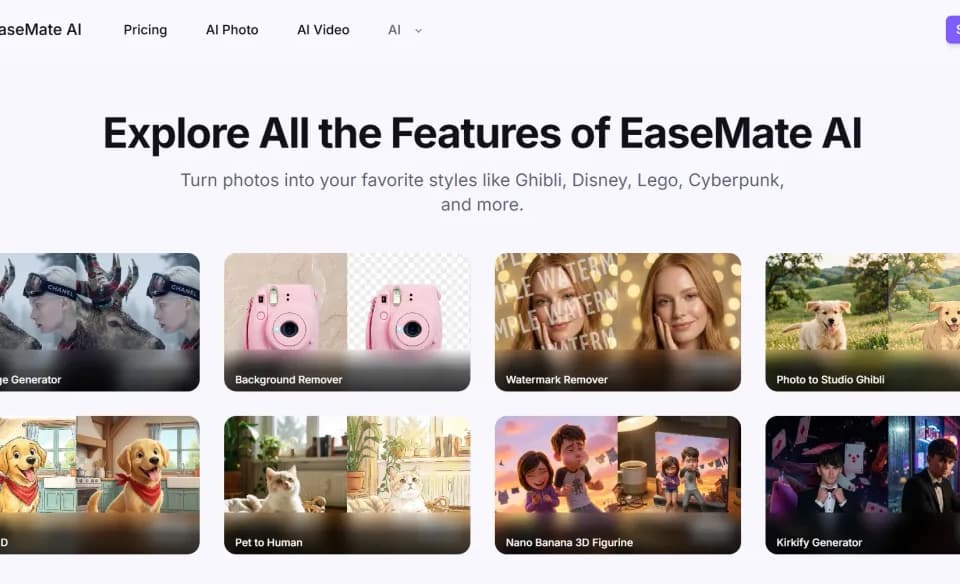
EaseMate AI for generating images and clips
EaseMate AI provides separate image and video workflows in a browser and lists daily credits for registered users.
EaseMate AI brings image generation and video generation together in a browser. The publisher also describes a conversational workspace for exploring ideas. Begin with the deliverable you need, such as a still image for a page or a short clip for a presentation, and choose the input workflow for that format.
Write a brief with an output in mind
The publisher suggests describing the audience, tone, visual style and format. For a still, specify the subject and what needs to be in frame. For a video, add a simple motion or change between the start and end. If the site offers several models for the job, compare their available settings before generating. Keep the brief nearby so you can judge the result against it.
Inspect the first result before revising it
For an image that contains lettering, check spelling and legibility at the size where it will appear. For a clip, play the motion through and see whether key details remain visible. Change one instruction on the next pass if you want to compare the results. The publisher describes separate input flows for different tools, so use the editor intended for the format you need.
Check the balance and model settings
The site lists daily complimentary credits for registered users and describes account-based allowances. Review the current credit balance and model controls before committing to several variations. If you plan to use the image or video in another project, save the finished file and keep the text or reference material that produced it.
Before you try it
Frequently asked questions
Can I choose separate image and video workflows?
Yes. The publisher describes separate inputs for the image and video tools in the same workspace.
Official sourceWhat should I put in a prompt?
The publisher suggests specifying the audience, tone, visual style, intended format and constraints.
Official sourceWhere can I check how many credits I have?
The publisher says registered users can see their credit and chat allowances inside the product.
Official source