
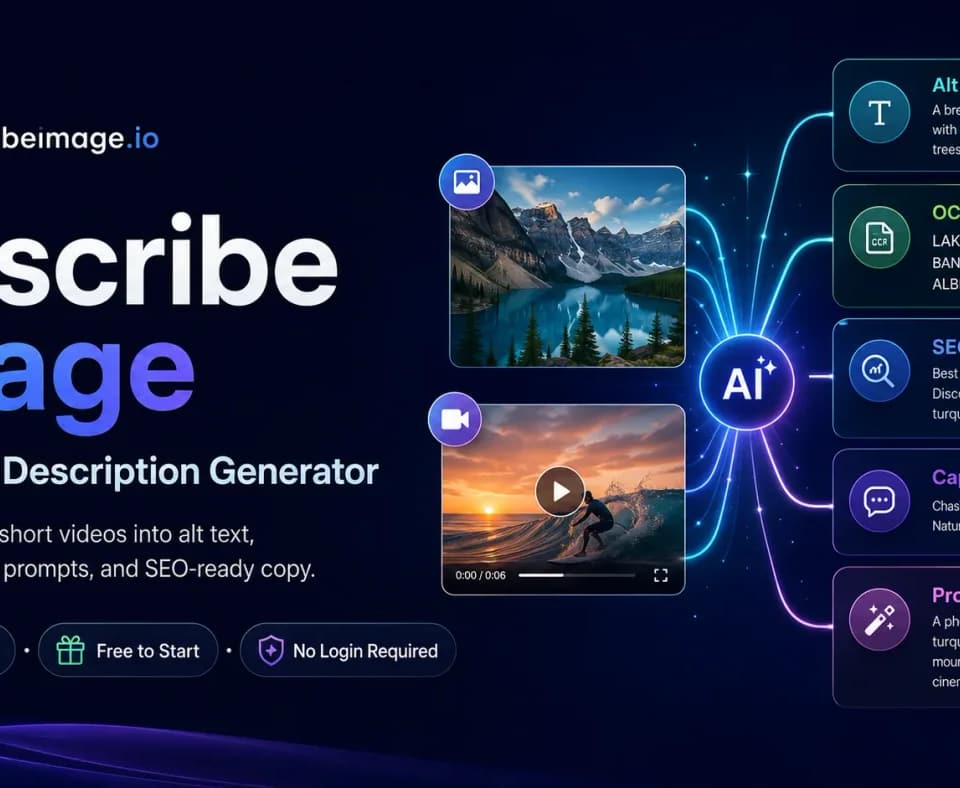
Describe Image for editable descriptions of photos
Describe Image drafts a description from an uploaded photo and lets you edit and copy the result.
Describe Image turns an uploaded photo into a written description of the subject, scene and visible details. You can edit the description before copying it. Open the original photo alongside the result so you can check the draft against the image as you edit.
Start with the details the reader needs
The publisher’s examples show how much detail a draft can contain. One product example describes a perfume bottle, the flowers around it and the direction of the light. An interior example names the windows, fireplace and surrounding furniture. For a listing, keep the details that help someone identify the product. Remove guesses about materials or colors when the photo leaves them ambiguous.
Edit for the place the text will appear
A detailed image description can be a working draft for a product catalog. For alt text, decide what the image contributes on that specific page. If the listing already names the perfume, the photo description can focus on the shape of the bottle or a detail a shopper needs. Check any generated text against the image before using it as accessibility copy. The same photo might warrant a different description in a post about the photographer’s lighting setup.
Use a different workflow for an image prompt
The publisher also shows a workflow for turning an image into a prompt for an image generator. Its example breaks down the subject, composition, lighting and palette before assembling a prompt. Use that format if you want to plan a new image with a related visual style. Keep the description workflow for documenting what appears in the original photo.
Before you try it
Frequently asked questions
Can I change the description before using it?
The generated description can be edited before it is copied.
Official sourceWhat details does the image description cover?
The publisher describes output that covers subjects, surroundings, colors and visible details.
Official sourceDo I need to sign in to try it?
The publisher says visitors can start without signing in and offers two free generations per day.
Official source