
Clousd for Android app testing and agent-controlled cloud phones
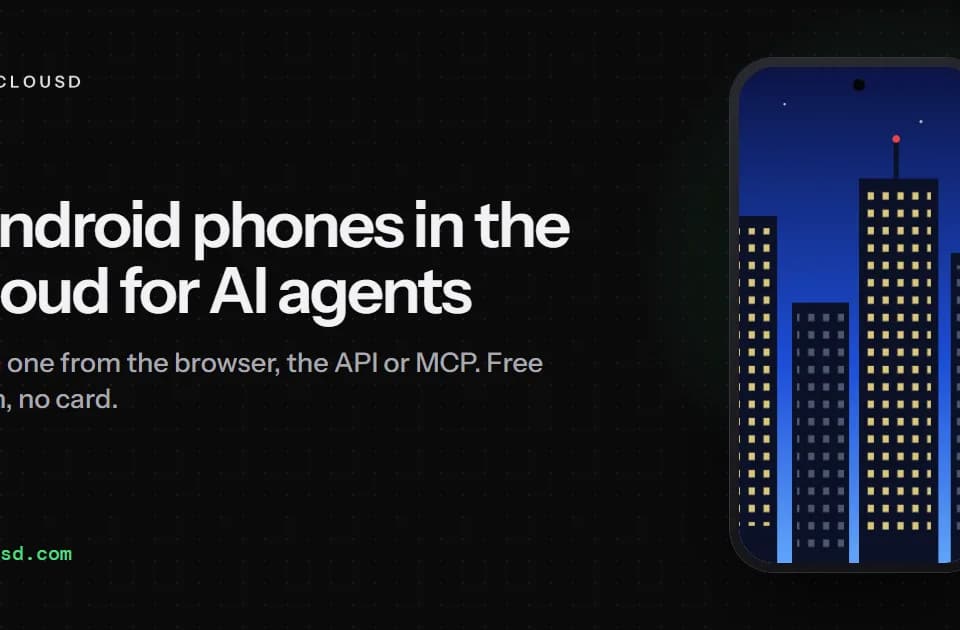
Clousd provides Android cloud phones for app testing and AI-agent tasks, controlled through a browser, API or compatible MCP client.
Clousd provides Android cloud phones for app testing, quality assurance and tasks delegated to AI assistants. The official site describes a hosted software service controlled through a browser or API, rather than a physical device that ships to the customer.
What can a cloud phone do?
The publisher says users can tap, type and install apps in a browser. A device has its own storage and settings, and teams can choose who may see or change it. The site lists Android versions and location choices when configuring a phone.
This suits testing a mobile workflow without holding a local handset. The related Denker guide covers a different way to give agents context for desktop tasks; Clousd’s focus is an Android environment in the cloud.
How does an assistant connect?
The setup described by Clousd begins with an account and an API key from the dashboard. Add that key to a compatible assistant or MCP client, then describe the task. The documentation also describes an MCP server and developer interfaces for device control.
The product’s compatibility claims do not mean Franklin connected an account or tested a task. Review the intended app workflow and the access a connected assistant receives before delegating work on a device.
How is running time billed?
The homepage lists a free allowance of one phone, 30 minutes of device time and 100 MB of residential traffic. Paid usage is advertised at $0.004 per minute, with a $0.80 daily cap per phone and a $10 minimum top-up. The site says stopped phones are free.
What should teams check first?
Franklin analysis: test one app and one Android configuration before expanding a fleet. Separate device running time from network traffic and any paid third-party app account. The advertised daily cap concerns the phone’s running cost, while the free allowance has its own time, traffic and seat limits.
Before you try it
Frequently asked questions
How do AI assistants access a phone?
The official setup says to create an API key in the dashboard, add it to the assistant and describe the task. Compatible MCP clients are supported.
Official sourceDoes stopping a phone stop its running charges?
The homepage says stopped phones are free. Running phones use minute-based billing, with the stated daily cap applying per phone.
Official sourceCan different teammates have different access?
Yes. The publisher says teams can invite members and choose who may see and change each phone.
Official source