
Jev AI for testing structured software decisions
Jev AI provides a playground and API for typed classification, routing and scoring results from supplied state.
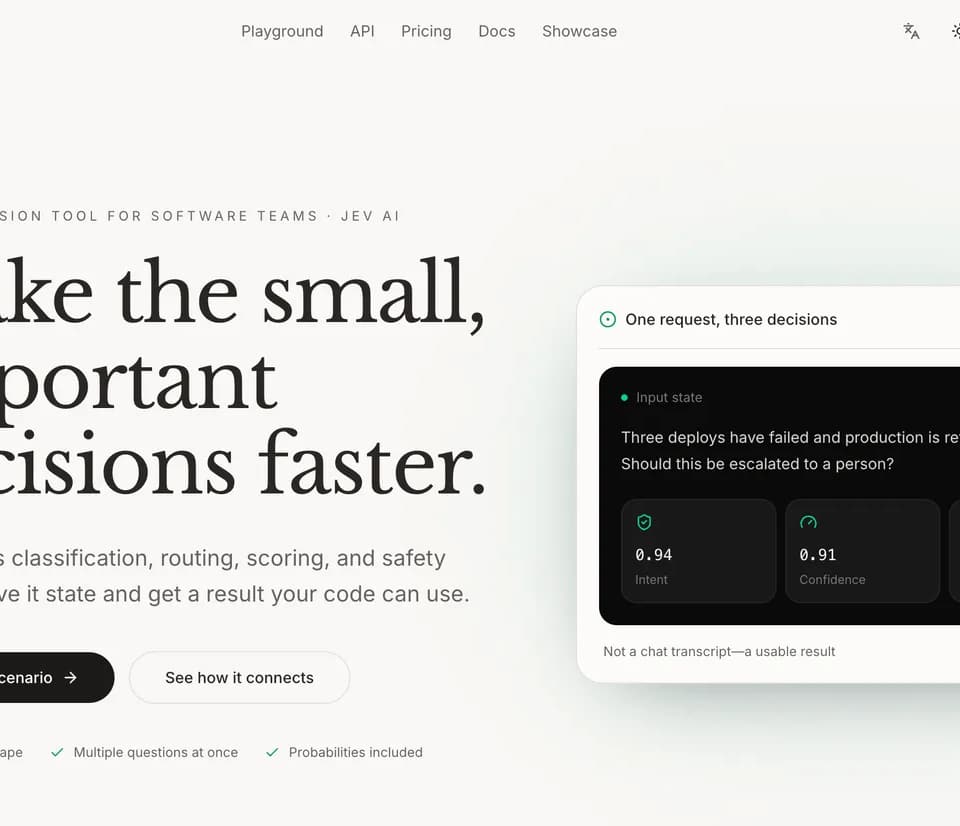
Jev AI offers a playground and an API for structured software decisions. Its publisher lists classification, routing and scoring among the tasks. The playground accepts text or JSON state and displays typed results. Begin with a decision whose inputs and possible outputs you can write down clearly.
Define the categories before testing
For a support queue, choose categories that correspond to an actual destination, such as account access, billing or product questions. Include a route for cases that need a person to review them. Try examples that sit near the boundary between two categories. If short messages and long messages are treated differently, inspect what information the input gives the model before changing the category labels.
Use the playground to examine the output
The publisher describes typed output with probabilities. Check the selected decision as well as the returned values before wiring the result into an application. Include a case with incomplete state and a case with two plausible answers. Use those examples to decide which responses can continue automatically and which need a second look. Keep the same test examples as you compare a change in the input format.
Identify the model used in the test
The publisher lists a pinned default model for the playground, along with several alternatives in its model directory. Record the model and input format when you compare results so you can reproduce the comparison later. The site says Jev playground runs are free and that a separate Laya option uses account credits. Check the selected model before starting a larger evaluation.
Before you try it
Frequently asked questions
What decisions can the service return?
The publisher lists classification, routing, scoring and safety checks as supported decision tasks.
Official sourceWhat does the playground show after generation?
The publisher describes typed results with probabilities after the model evaluates the input state.
Official sourceDoes the playground use a pinned default model?
The publisher lists typesafe/jev-1.14 as the pinned ID of the default playground model.
Official source