
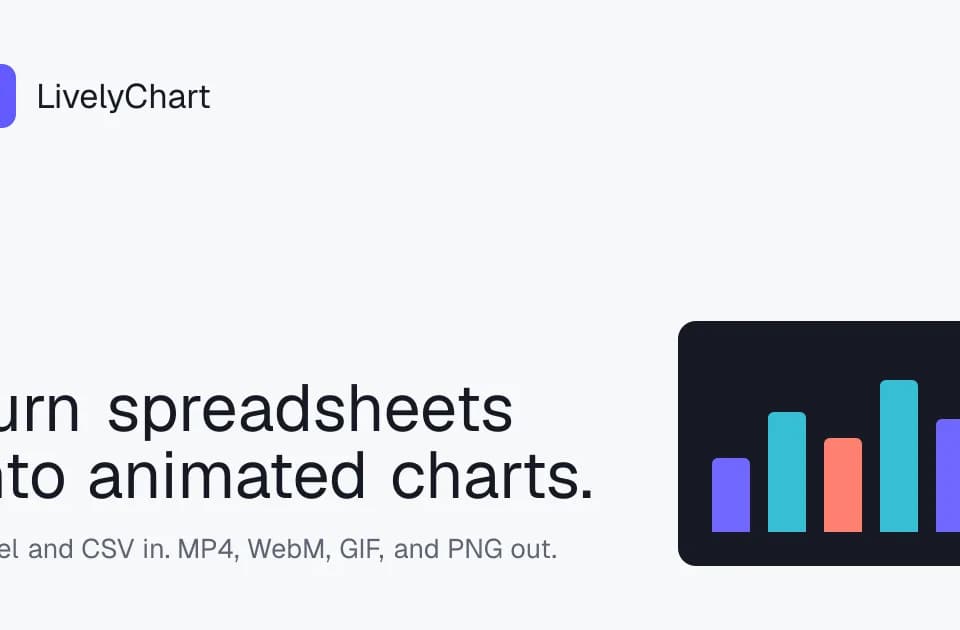
LivelyChart for animated spreadsheet charts
LivelyChart turns spreadsheet data into editable animated charts, combining templates, AI direction and browser previews with paid exports.
LivelyChart is a browser-based animated chart maker for Excel and CSV data. The publisher page describes a workflow for presenters and analysts who want to turn a spreadsheet into a moving chart without editing a video timeline or setting keyframes.
How does the chart workflow start?
Users can upload Excel, paste CSV, fill a table or begin from sample data. The service reads labels, values and periods so the chart can show a ranking, trend, comparison or share of a total.
An AI chart director accepts a description of the story and proposes four editable animated directions. The page also offers templates, including bar-chart races, ranking changes and country-marker races. These are starting points for a presentation, rather than independent analysis proving what a dataset means.
What can you edit and export?
The publisher describes controls for palette, pacing and chart motion, plus AI editing from a natural-language request. Users can preview the result in the browser before export.
The listed output formats are MP4, WebM, GIF and PNG. Paid plans list HD, Full HD and 4K export, so the format list alone should not be read as a promise that every resolution is included in free access.
How is LivelyChart priced?
The free studio lists live previews, chart controls and 30 AI trial credits. Pro is listed at $9.99 per month or $49.99 per year, with 500 AI credits per month and the paid export features.
That is a limited starting allowance, not unlimited free AI editing. The terms say paid features and credits follow the plan shown at checkout.
What should presenters review?
Franklin analysis: verify labels, periods and scales after an AI-assisted edit, then inspect the full animation before sharing it. A visually clear transition can help explain a change, but it does not validate the underlying data or a causal interpretation. The captured material does not establish an open-source licence for the service.
Before you try it
Frequently asked questions
Can I start without uploading a spreadsheet?
Yes. The publisher offers sample-data templates as well as entering a table, pasting CSV or uploading Excel.
Official sourceWhat does the AI chart director return?
The page says uploading data and describing the intended story produces four editable animated directions, which can be reviewed in the browser.
Official sourceWhich plans include high-resolution exports?
The displayed Pro plans list HD, Full HD and 4K export with MP4, WebM, GIF and PNG formats. The free studio lists previews, chart controls and 30 AI trial credits.
Official source