
Kutto: Clip Long Videos Into Shorts
Kutto turns long recordings into short clips with speaker-aware framing, captions and optional publishing to YouTube and TikTok.
Kutto helps podcasters, interviewers and other creators pull short clips from longer recordings. The service identifies candidate segments, creates a vertical crop and adds captions that you can edit. It also offers a calendar for creators who publish regularly to supported channels.
How does Kutto turn a recording into clips?
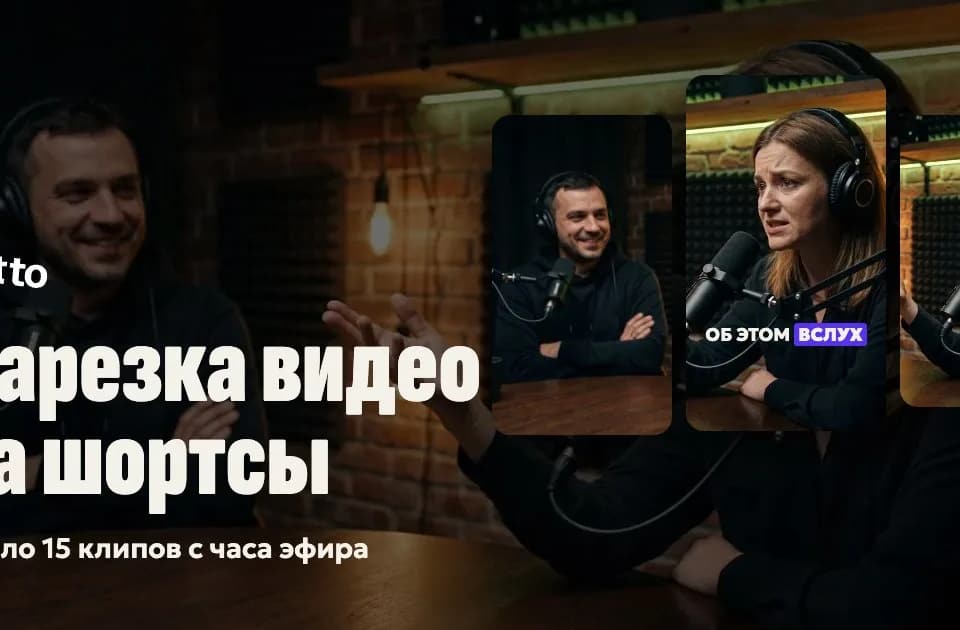
The AI workflow proposes moments that can work as individual clips. For vertical reframing, Kutto says it identifies who is speaking and moves the frame to that person. It can use a split layout when two people are on screen. Its timeline lets you revise the opening or correct a caption before exporting. This is useful for interviews where a fixed center crop would cut off the active speaker.
If your first goal is to review an edit of the full talking video, our Takehound guide covers that workflow.
Which platforms can it publish to?
The site lists YouTube Shorts, long-form YouTube and TikTok for publishing from the calendar. Connecting the accounts lets you move finished clips into scheduled slots. Direct publishing to Instagram, VK and Telegram is not listed as available. For other destinations you can download the file and post it manually. The provider lists export at up to 4K and says downloads are watermark-free on paid plans.
How is processing priced?
Kutto offers a basic free plan and paid allowances for larger volumes of video processing. It charges for how much source footage the AI processes rather than promising a fixed count of usable clips. Its terms also list operations such as voiceover and video or channel analyses that can be paid from the balance. Editing by hand is free according to the pricing page.
Start with a recording that has both clean speech and a change of speaker. Review the suggested clip boundaries, crop and captions before you schedule anything. Kutto's terms describe model-generated output as a draft for the creator to check.
Before you try it
Frequently asked questions
Can I post a Kutto clip without connecting my social account?
Yes. The service lets you download the clip and post it yourself. Connecting a channel is for publishing through the calendar.
Official sourceHow does Autopilot use my processing allowance?
Kutto says Autopilot draws processing minutes from your plan and does not automatically charge your separate account balance.
Official sourceDo Kutto plans renew automatically?
The support page says payments credit the account after payment and there are no automatic renewals.
Official source