
Glasshand: Hosted iPhones and Macs for AI Agents
Glasshand rents remote access to a dedicated iPhone or Mac. You can control the device in a browser or connect an agent to work with apps on it.
Glasshand provides remote access to a dedicated device, either an iPhone or a Mac. The publisher’s product page shows how someone can use the screen from a browser or connect an AI agent. The service is useful to consider when the workflow needs an actual Apple app or device, such as native app testing.
What can you do on a rented device?
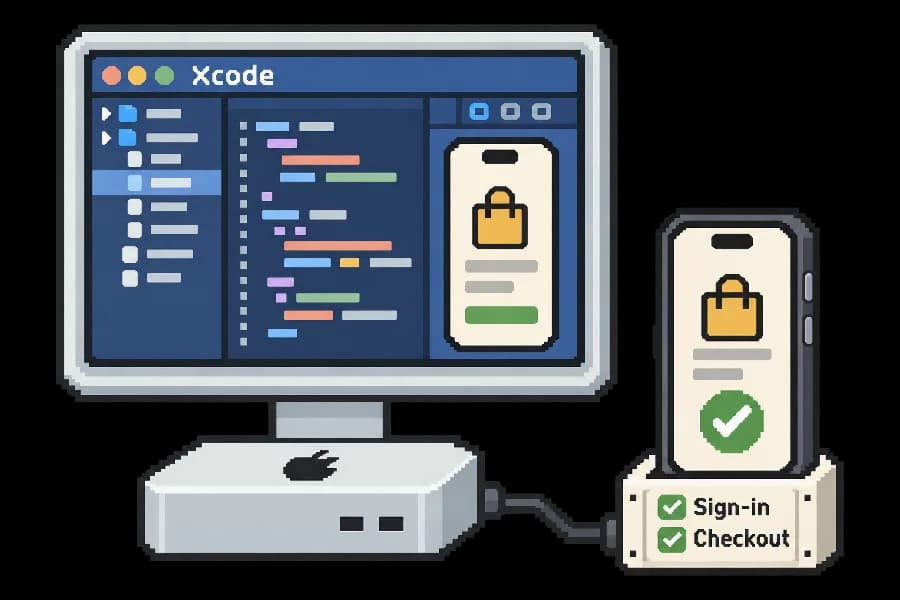
Glasshand says you can see and control the device screen. On an iPhone you can tap and type; on a Mac you can click and type. The product page gives Xcode development and sign-in or checkout tests as examples. An agent can use the hosted iPhone or Mac to work through the steps it has been assigned, while a person can check the device directly.
The vendor says the device starts factory-reset and that users can install apps and sign into their own accounts. It also says an iPhone can use an eSIM plan, including an SMS-capable plan when available. Those options are distinct from the desktop interaction on a Mac.
What does a rental include?
Glasshand lists the iPhone at $60 per month and the Mac at $90 per month. Billing is monthly for each device. Its terms explain that renting gives time-limited access to a hosted device. The physical hardware remains with the provider; there is no shipment or transfer of ownership.
What should you check before connecting an agent?
Decide which apps and accounts the device actually needs. Start with a test account and observe a limited task through the browser before granting access to a production account. A rented device can reproduce a workflow on real hardware, but the publisher's examples do not establish that an agent will complete your particular checkout or test flow without oversight.
Before you try it
Frequently asked questions
Does Glasshand send the iPhone or Mac to me?
No. The rental gives you remote access to a hosted device. The physical device stays with its provider.
Official sourceCan I install my apps on a Glasshand device?
The product page says the device starts factory-reset and you can install apps and sign in to your own accounts.
Official sourceDoes a Glasshand iPhone support a cellular connection?
The publisher says you can activate an eSIM plan for cellular access. An SMS-capable plan is needed to receive verification texts.
Official source