
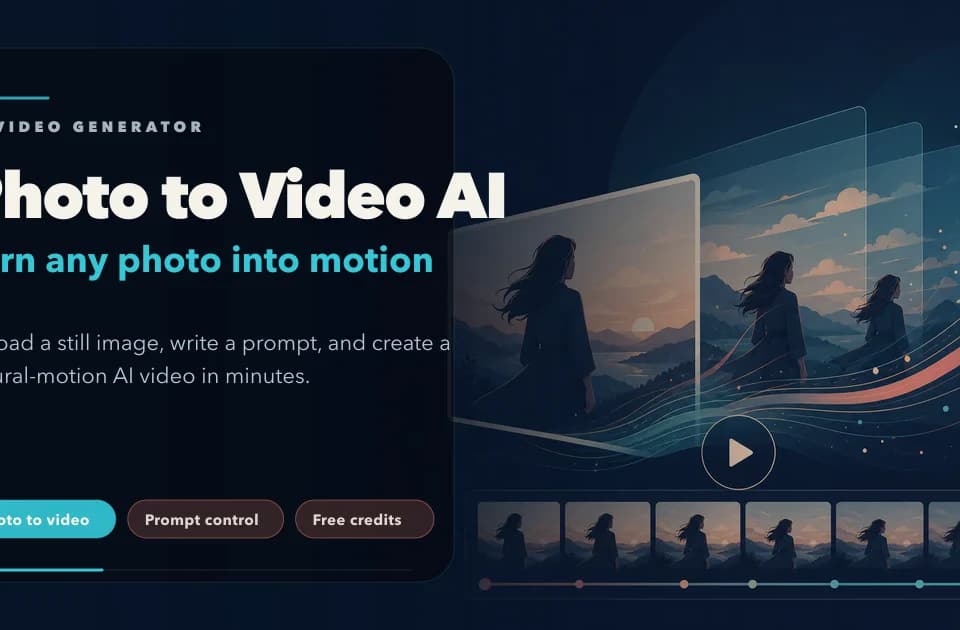
Photo to Video AI for animating pictures with motion and camera prompts
Photo to Video AI animates uploaded pictures in a browser. Output settings, generation costs and reference controls depend on the selected model.
What does Photo to Video AI do?
Photo to Video AI turns uploaded pictures into generated video clips. Its official website describes photo animation for portraits, products, family pictures and artwork. Users direct subject movement and camera motion through written instructions and templates.
The service brings several video models into one account. The publisher lists first-and-last-frame and multiple-reference workflows on compatible models, so an option advertised for the platform should not be assumed to appear in every model's controls.
How do you animate a picture?
Upload a JPG, PNG or WebP image, choose a model and describe the motion you want. Select the available output settings, review the credit cost and generate a clip. The site describes previewing and downloading the result after processing.
For a related workflow, our Goshortsai overview covers animating uploaded pictures with movement instructions. Franklin's Auteo overview also examines reference-led video creation within a broader creative workspace.
What access and pricing are stated?
The homepage advertises free signup credits and a limited Motion Lite guest option. However, the pricing FAQ says anonymous generation is not supported. Confirm guest availability in the current generator; creating an account is the access path both descriptions support.
Paid subscriptions and one-time credit packs provide additional usage. The publisher says free-credit videos include a watermark, while paid plans offer watermark-free output. The listed video counts depend on a named model and settings, so compare credits rather than treating those counts as universal allowances.
What are the limitations?
The publisher says faces, text and product shapes can change. Review those details in the whole generated sequence before publishing a clip. An animated family photograph creates new motion; it does not recover an original recording.
Higher resolutions and multiple references also depend on the selected model. Confirm the controls your project needs before spending credits on repeated versions.
Before you try it
Frequently asked questions
Which image formats can Photo to Video AI accept?
The publisher lists JPG, PNG and WebP image uploads. Video resolution and duration depend on the selected model.
Official sourceDoes a Photo to Video AI animation preserve every detail?
The operator says image details can change. Review faces, text and product shapes before publishing generated footage.
Official sourceWhat happens when a Photo to Video AI job fails?
The publisher says failed jobs return charged credits. Creating another version of a completed clip uses additional credits.
Official source