
ImgtoImg: AI Editing With Reference Photos
ImgtoImg lets you describe what to change and keep in a reference photo, then refine a generated result with further edits.
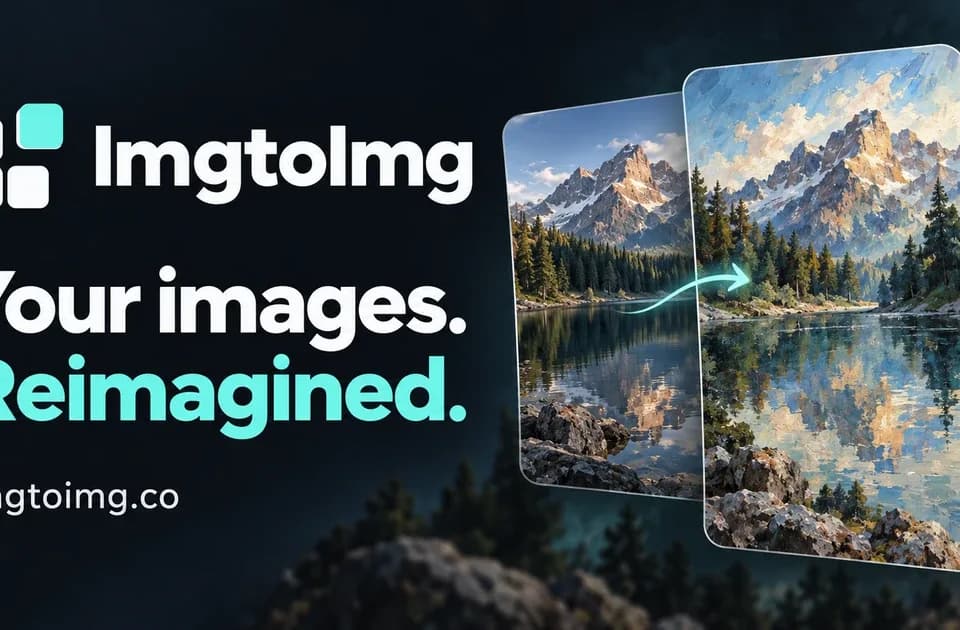
ImgtoImg is a browser editor for Image-to-Image work that starts from a reference photo and a text description of the change. It lets you choose a generation model and refine the result without leaving the workspace. It is suited to edits where you want to compare variations of an existing image, such as a change in background, style or treatment.
How do you start with a reference photo?
Sign in and upload one clear JPG, PNG or WebP image that you have permission to use. The product guide suggests describing the change and the parts that should stay the same. Choose the aspect ratio, resolution and model, then check the credit quote before generating. The initial output count is separate from the number of reference images.
How does the follow-up editor guide a local change?
The editor allows area marking when you are editing a generated result. A mark and a text prompt can indicate which part of the image you want to change. The site cautions that exact preservation is not guaranteed. If a reference includes lettering, a product detail or a face that needs to remain consistent, compare those parts of the result with the original before you download it.
The provider lists PNG, JPG and WebP downloads. It also says each follow-up edit or variation uses credits, so planning the first change carefully helps when you want to compare options within a budget.
If you want to compare another editor with reference controls, see how nanobanana3.design organizes its model and credit choices.
What is included in a credit pack?
The pricing page lists one-time packs from $9.99 and says paid credits do not expire. Each paid pack supports 1K, 2K and 4K generation and downloads without ImgtoImg's preview watermark. New accounts get six credits to try 1K images. Higher resolutions can cost more credits per result, so check the quote for the settings you actually need.
Before you try it
Frequently asked questions
Does an area mark guarantee that the rest of my image stays unchanged?
No. The publisher says marks guide the model and exact preservation is not guaranteed, so review unaffected areas before using a result.
Official sourceCan an initial request generate more than one variation?
The site lists one to four outputs for an initial request. Each follow-up edit produces one output image.
Official sourceAre 4K images restricted to the largest paid pack?
No. The pricing page lists 1K, 2K and 4K generation for every paid pack. Higher resolution uses more credits per generation.
Official source