
CropDen: local crops and optional AI edits
CropDen crops and resizes images locally, with separate credit-based AI tools for extension, upscaling and background removal.
CropDen combines browser-based image preparation with optional AI image editing tools. Its official site lets users choose a destination size, frame a picture against safe zones and download an export that meets the selected format’s limits.
Which image tools run locally?
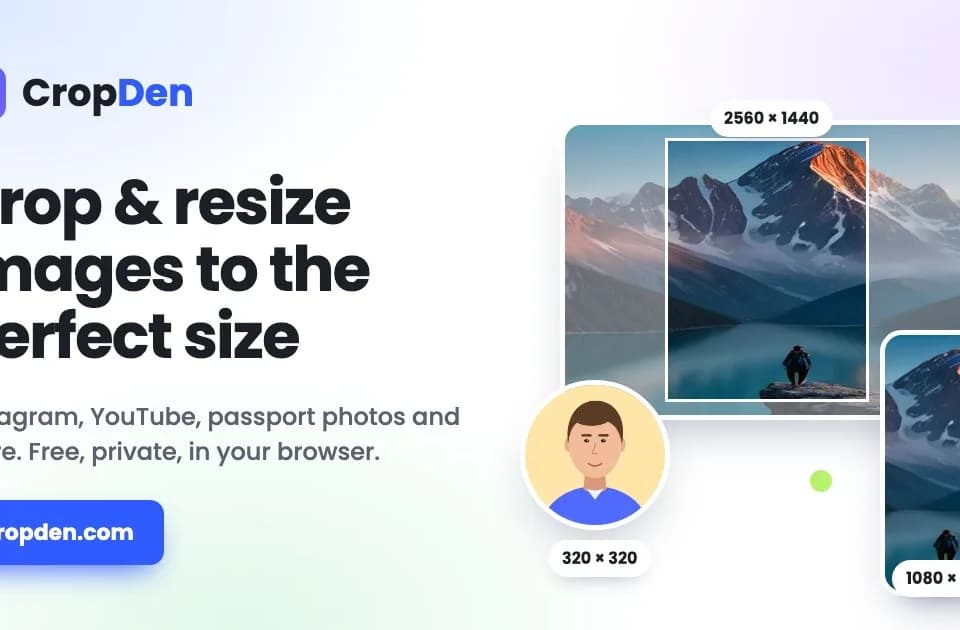
Cropping, resizing, compression and conversion run in the browser without uploading the image, according to the publisher. Users can drag in a file, paste one or select it from their device. Platform presets cover common social images, banners, thumbnails and other aspect ratios.
Safe-zone overlays show where a platform’s interface or profile image may cover the composition. Exports include JPG, PNG and WebP, with controls for the intended pixel dimensions and file-size limit. The source also describes animated-GIF cropping and compression, image splitting and batch conversion.
How do the AI features differ?
The AI image extender fills new background beyond an existing photo. The upscaler enlarges an image, and the background remover separates its subject. These optional operations use credits and require server-side processing rather than the local-only path used for basic image tools.
The captured privacy policy says the selected image, reduced to at most 2,048 pixels on its long side, or a typed description is sent through CropDen’s server to its AI provider. The general statement that local crops are never uploaded should therefore not be extended to an AI editing run.
What are the free and paid limits?
The pricing page lists free browser tools, 20 files per batch without an account or 50 with a free account, and files up to 20 MB. Pro raises the batch limit to 500 and the file limit to 50 MB. AI credits are sold separately from Pro.
A 24-hour Day Pass is listed at $2.99 as a one-time purchase. The site also lists credit packs for optional AI operations. For a practical trial, start with a local crop and export, then review the displayed credit cost and upload policy before choosing an AI feature.
Before you try it
Frequently asked questions
Do AI edits stay entirely on my device?
No. The privacy policy distinguishes local browser tools from optional AI operations, which send a selected image or description through CropDen’s server to its AI provider.
Official sourceDoes Pro include the credits used by AI tools?
No. The pricing page says AI tools run on separately sold credits; Pro increases batch capacity and the maximum file size.
Official sourceHow many files can I process on the free tier?
The pricing page lists 20 files per batch without an account, increasing to 50 with a free account.
Official source