
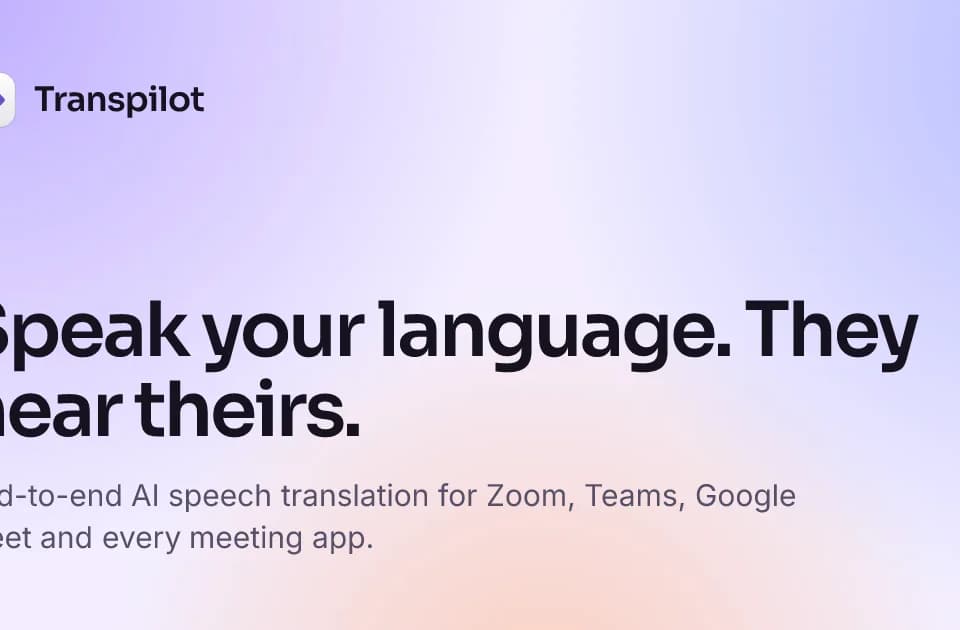
Transpilot for live meeting speech translation and bilingual captions
Transpilot translates meeting speech in both directions, with bilingual captions, a virtual microphone and credit-based paid plans after a trial.
Transpilot is a desktop app for translating meeting speech and displaying bilingual captions. Its official overview describes a workflow in which one participant installs the software, hears translated audio and sends a translated voice through the meeting app's microphone input.
How does Transpilot connect to a meeting?
Transpilot captures meeting audio on the computer and provides a virtual microphone called Transpilot Mic. The publisher says other participants do not install an app or admit a meeting bot. Its documented integrations include Zoom, Microsoft Teams and Google Meet, with browser video and live-stream use also described.
The company calls its approach end-to-end speech translation. Users choose two languages and enable subtitles, listening or speaking. This is distinct from the recording-to-text workflow described in Franklin's ScribeAny coverage, although both involve translated speech content.
What are the practical limits?
The publisher reports first translated words in as little as 1.2 seconds in its November 2026 internal tests. That is a vendor latency result, with network conditions and language pair affecting the experience. It is not a Franklin measurement or a promise for every call.
The overview recommends a professional interpreter for legal, medical or other high-stakes negotiations. It also distinguishes browser videos and live streams from desktop streaming apps, which it says are not yet supported. Check the actual meeting setup before relying on live translation in an important conversation.
What is saved after the call?
Transpilot says transcripts and summaries are stored on the computer and in the signed-in account, while audio is not stored. Meeting summaries can capture decisions and action items. Export options vary by plan; the site lists text, Markdown, PDF, Word and SRT in its product overview.
How do plans and credits work?
The pricing page gives a new account 30 free credits once. This is trial access, not a renewing free meeting allowance. Subtitles consume one credit per minute; listening, speaking, or both together consume two credits per minute. Paused time and AI summaries do not consume credits.
The captured monthly comparison lists Starter at US$12 per month, Pro at US$29 and Max at US$49.90. Annual billing has separate effective monthly figures and annual totals. Check the billing period and credit allowance together before choosing a plan.
Before you try it
Frequently asked questions
Do other meeting participants need a plan?
No. The pricing page says only the person installing the app uses a plan and credits.
Official sourceDo unused monthly credits carry over?
No. The pricing page says plan credits reset each month. Purchased credit packs last 12 months.
Official sourceWhat happens when translation credits run out?
The pricing page says translation finishes the current sentence and stops while captions remain visible; a credit pack or upgrade is needed to continue.
Official source