
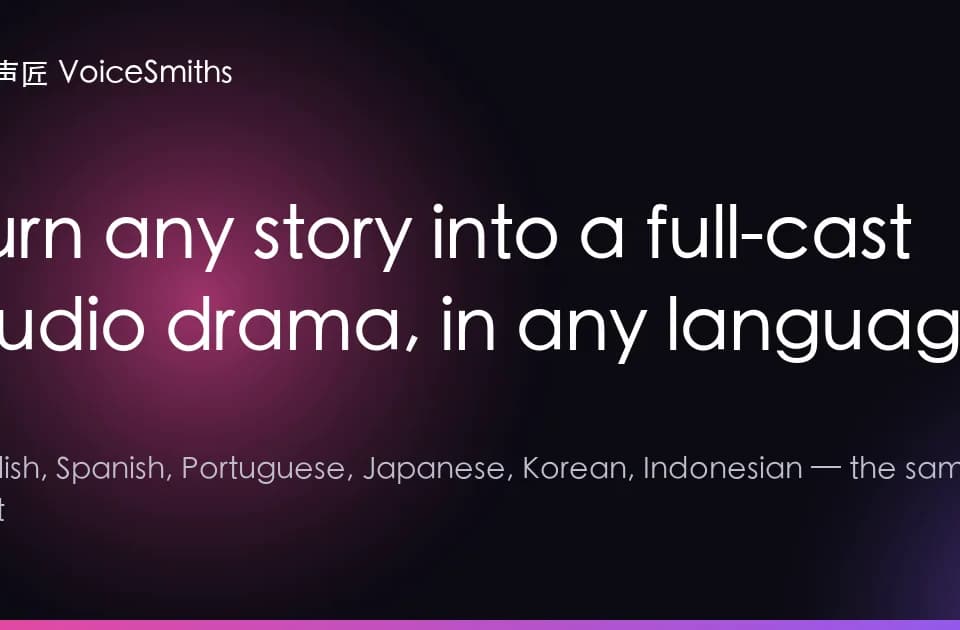
VoiceSmiths for turning scripts into audio dramas
VoiceSmiths identifies dialogue and narration in a pasted script, proposes a cast and renders an audio drama.
VoiceSmiths turns a script or chapter into an audio drama with several synthetic voices. The studio separates narration from dialogue and proposes a cast for the characters. The useful review step comes before rendering, when you can check whether the studio attributed each line to the speaker you intended.
Check the speakers against the script
Paste a scene with a small cast first. A narrator and two people in conversation make it easy to check where the tool switches voices. Read the attributed lines against your script and correct the cast or delivery before generating the whole piece. The publisher says the studio can work from pasted text without speaker tags and lets you change the proposed casting and emotions.
Preview the delivery before rendering
The publisher describes a preview of the opening. Use it to check whether the characters sound distinct and whether the narrator leaves enough space around dialogue. A fast exchange might need a different pace from a reflective chapter. Listen for a change in emotion where a character’s intention changes. VoiceSmiths also shows finished examples in its theater, which you can use to hear how the publisher presents longer scenes.
Pick the output for your audience
The site lists MP3, SRT subtitles and vertical video. Choose the audio file if you are preparing an audio-first episode. Check the subtitle timing if the scene needs to work on screen with sound off. Generation uses credits, and the publisher describes the charge for audio drama by text length. Review the character count and the cast before rendering a full chapter.
Before you try it
Frequently asked questions
Do I need to tag every speaker in the script?
The publisher says it identifies speakers from pasted text without speaker tags. Check the proposed cast before rendering.
Official sourceCan I change the cast before generating?
The studio presents the cast and line emotions for review and lets users edit the suggestions.
Official sourceWhich formats does the studio list for output?
The publisher lists MP3 audio, SRT subtitles and vertical video.
Official source