
DeckCraft for slide decks and agent-driven editing
DeckCraft is a native presentation editor with slide design, presenter tools and an MCP interface for automated editing.
DeckCraft is an in-development presentation editor built in Rust, with slide design and delivery tools alongside an agent automation interface. Its official publisher page lists native desktop downloads, presentation-file support and a workflow that does not require a cloud subscription.
What can users build and present?
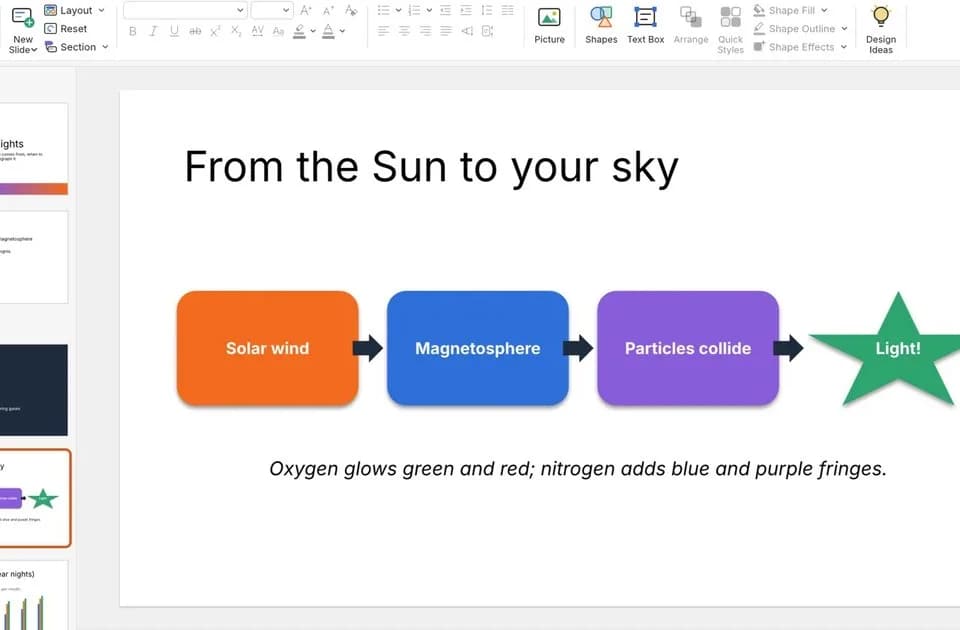
The editor includes slide masters, inheriting placeholders, themes, sections and presenter notes. More than 150 preset vector shapes support drawing and diagram work, with adjustment handles, connectors, fills and outline styling.
The publisher also lists Morph and other slide transitions, entrance and exit effects, motion-path animation and paragraph-by-paragraph builds. Presenter view supplies notes, upcoming-slide previews, timers and rehearsal tools. These features cover both preparing a deck and delivering it rather than only rendering static slide images.
How does automation connect?
DeckCraft exposes more than 200 commands through a CLI, JSON control channel and MCP server. An agent can use that interface to operate the application, while users retain a native editor for inspecting the resulting slides.
The source says the app opens and saves PPTX files, exports vector PDF slides and handouts, and renders slide images. Those are publisher compatibility claims, so a team adopting it for existing decks should check its own fonts, layouts and animations in a sample conversion rather than assume every presentation will round-trip identically.
How do you get the current build?
ArtCraft offers its launcher for installation and updates, or standalone DeckCraft packages. The page lists macOS, Windows and Linux downloads, architecture-specific alternatives and a self-hosted web build. It describes the listed platforms as free.
The publisher labels the application in development. That status should remain visible alongside its extensive feature list: available installers do not constitute an independent stability or compatibility test. Start with a copy of a representative deck, inspect the exported presentation and verify the delivery view before using it for an important session.
Before you try it
Frequently asked questions
Which automation interfaces does DeckCraft expose?
The publisher lists more than 200 commands accessible through a command-line tool, JSON control channel and MCP server.
Official sourceCan DeckCraft export something besides PPTX?
Yes. The official page lists vector PDF slides and handouts, along with rendered slide images, in addition to opening and saving presentation files.
Official sourceCan I download DeckCraft without the launcher?
Yes. The publisher supplies standalone installers as an alternative to the ArtCraft Launcher, which manages installation and updates.
Official source