
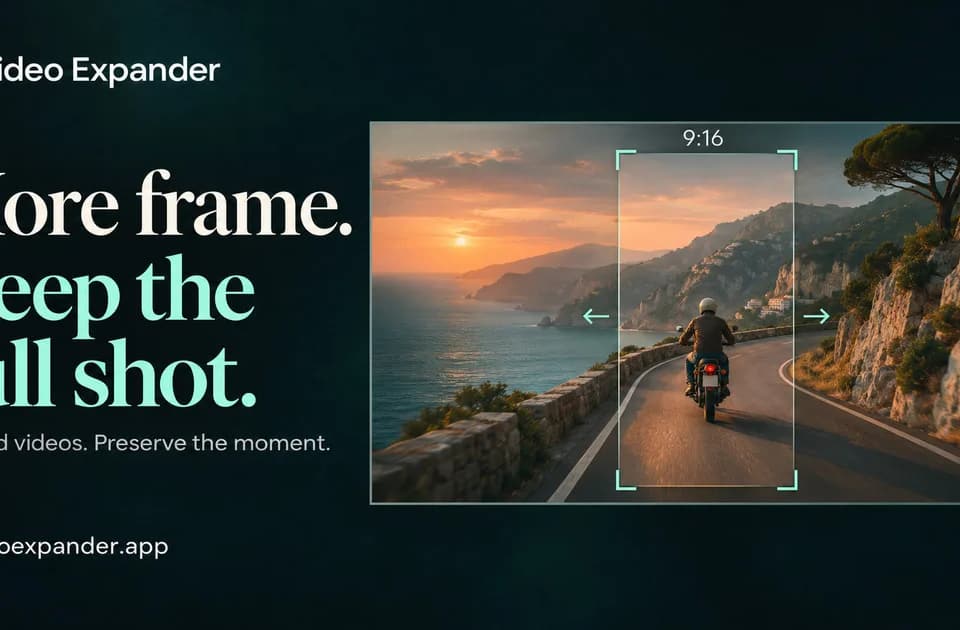
AI Video Expander for reframing clips with generated scene space
AI Video Expander changes a clip's framing by generating scenery around its edges. The clip keeps its duration, with source audio restored when present.
What does AI Video Expander do?
AI Video Expander changes the aspect ratio of an existing clip by adding generated scene space around the frame. Its official website calls this video outpainting. The service is intended for adapting footage to vertical, square and widescreen placements while keeping the original shot in view.
The tool changes the canvas width and height; the publisher says the clip keeps its original duration. That makes it relevant to reframing a finished shot for another placement, rather than adding more time to the scene.
How do you reframe a clip?
Upload a playable MP4, MOV, WebM or MKV file. The publisher accepts clips up to 180 seconds and 300 MB. Choose a target ratio, position the source and select where the additional space should appear. An optional prompt can describe the surroundings to generate.
The listed ratios are 9:16, 4:5, 1:1 and 16:9. The site also describes adding room on all sides while keeping the source ratio. Check the credit estimate before starting processing, then return to the task list to review and download the MP4.
What does expansion cost?
The pricing page advertises one free clip of up to ten seconds without an account. Additional expansion uses one credit per second of source video, with subscriptions and one-time packs providing more credits.
The publisher says subscription credits last 30 days and purchased pack credits last 90 days. Those expiry rules differ, so choose a purchase based on when you expect to use it.
What should you inspect in the result?
The new surroundings are generated, rather than recovered footage from outside the camera's frame. The publisher warns that fast motion, fine textures and complex backgrounds can introduce artifacts. Review moving edges throughout the clip.
Source audio is restored when present. The site says uploaded files and results remain available for 30 days, so download the version you want to keep.
Before you try it
Frequently asked questions
Does AI Video Expander make a clip longer?
The publisher says expansion changes the frame's width and height while preserving the source clip's duration.
Official sourceDoes AI Video Expander recover the original scene outside the frame?
No. The operator describes a plausible AI-generated continuation. It warns that fast motion, textures and complex backgrounds can introduce artifacts.
Official sourceHow long do AI Video Expander credit packs last?
The pricing page says one-time pack credits are valid for 90 days. Subscription allocations are valid for 30 days.
Official source