
Unblur Image for sharpening photos and optional two-times enlargement
Unblur Image sharpens uploaded photos in a browser. The site offers unsigned sharpening, while its optional enlargement has device and sign-in conditions.
What is Unblur Image?
Unblur Image is a browser tool for sharpening blurry photographs and improving soft details. Its official homepage describes uses for portraits, screenshots, scanned documents and old photos. The publisher offers basic unblurring without signing in.
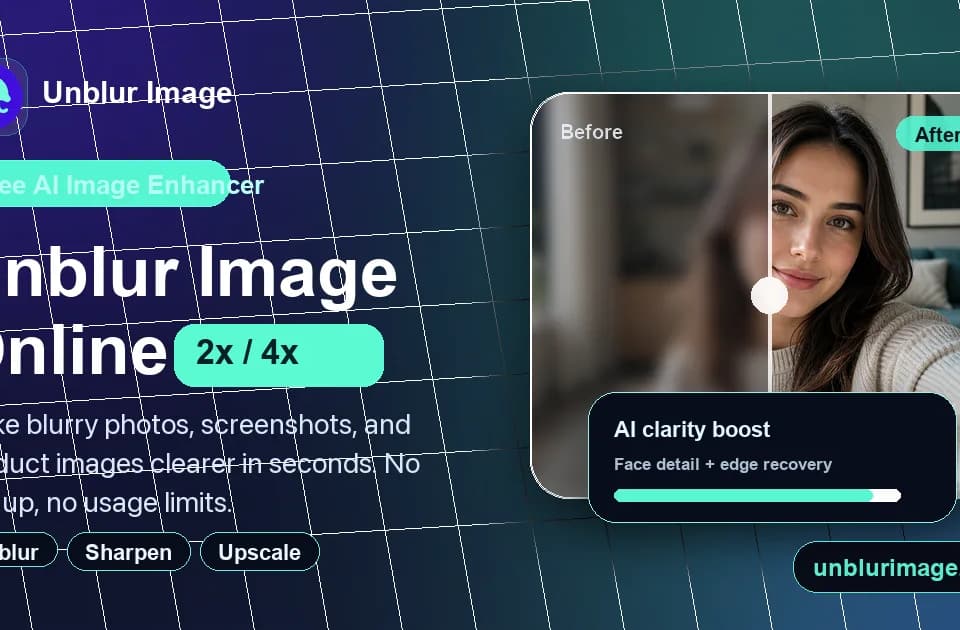
The page presents separate enhancement tasks, including portrait sharpening, noise reduction and enlargement. Those descriptions identify the intended uses; the illustrated comparison is a publisher example, rather than evidence of the result a particular photograph will produce.
How do you sharpen a photograph?
Upload a JPG, PNG or WebP picture in the main workspace. The interface offers an unblur-only output mode and a two-times enlargement option. Start with the mode that matches whether you need clearer details or a larger picture as well.
The publisher says the tool can address motion blur, lens blur and soft focus. Its portrait section focuses on facial features, hair and edges. The document section describes making photographed or scanned text easier to read, while the noise-reduction section addresses grain and compression artifacts where possible.
Which features need an account?
The page describes basic unblurring as free, with no signup or usage limit. The enlargement description is narrower: on supported devices, users can sign in to enlarge small pictures by two times without spending credits. Large pictures are adapted to the device's processing limits.
Check those conditions before choosing the enlargement mode. The general free-access headline does not remove the more specific account and device requirements stated for that option.
How should you review an enhanced picture?
Compare the processed picture with the original at the scale where you intend to use it. For a portrait, inspect facial edges and fine features; for a document, check important characters against the source. This is Franklin's practical review advice for the tasks the publisher describes.
The captured homepage does not specify a universal maximum image size or a measured accuracy rate. Keep an original copy while deciding whether the enhanced version meets your needs.
Before you try it
Frequently asked questions
Does basic Unblur Image sharpening require sign-in?
The homepage says users can unblur pictures for free without signing in.
Official sourceCan Unblur Image enlarge a picture by two times?
The publisher says signed-in users on supported devices can enlarge small pictures by two times without spending credits.
Official sourceWhat happens to large images in Unblur Image?
The publisher says large pictures are adapted to the processing limits of the device being used.
Official source