
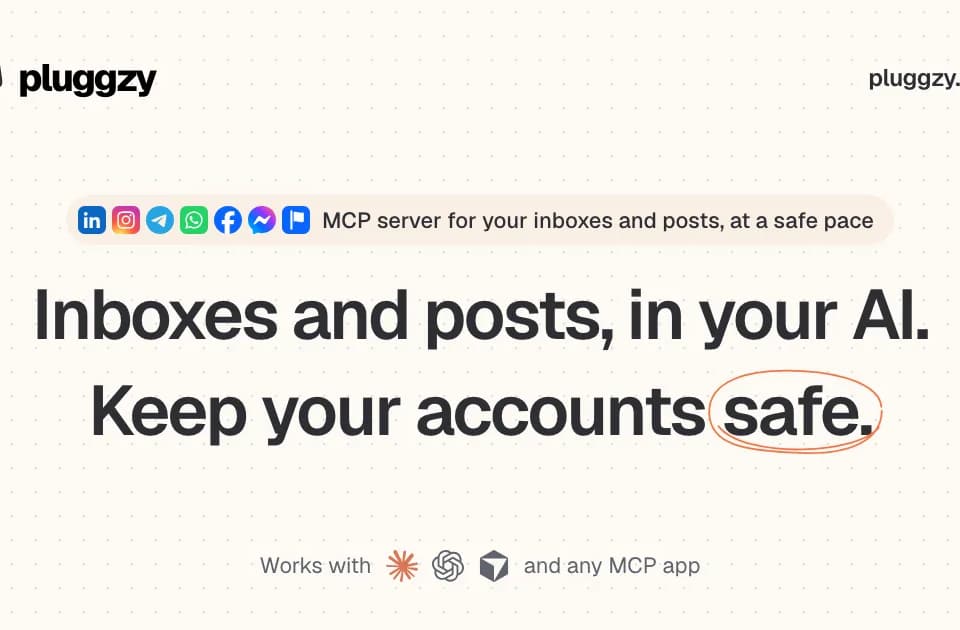
Pluggzy for connected inboxes, scheduled posts and per-app permissions
Pluggzy connects messaging, posting and advertising accounts to AI assistants, with separate sending permissions and per-account monthly pricing.
Pluggzy connects supported messaging, posting and advertising accounts to AI assistants through a hosted MCP service. Its official website describes shared account connections for clients such as ChatGPT, Claude and Cursor, with permissions applied separately to each app.
What can a connected assistant do?
The publisher lists inbox reading and replies, comments, post creation and scheduling across supported networks. Scheduled content appears on a calendar where a user can preview and revise a post before release.
The site also lists advertising tools, but a supported channel name should not be treated as a guarantee that every action is available on every account. Check the documented channel and connected account before delegating a task.
How does access work?
The service exposes a hosted MCP server and account-connection flow. The pricing documentation says every app starts read-only and that sending requires a separate permission. Teammates can receive access to particular accounts without automatically gaining sending authority.
The product also describes shared limits and cooldowns across connected apps. A rate limit can slow a batch, and the publisher says sending pauses when a network pushes back. These controls are its stated operating behaviour, not a Franklin test or a guarantee that a social network will never restrict an account.
How is Pluggzy priced?
The monthly pricing page lists $10 per connected account per month after a three-day trial. Two LinkedIn accounts count separately, while Facebook and Messenger count together. The page says teammates do not consume additional account seats.
The homepage separately advertises a time-limited annual offer. Review the selected billing option rather than combining an annual promotion with the ordinary monthly rate.
What should be checked before sending?
Franklin analysis: connect one account and inspect read access, then explicitly review which app may send. Preview a small scheduled post or draft before expanding to a batch. The service’s documented limits still sit alongside the connected network’s own rules and the user’s responsibility for what is sent.
Before you try it
Frequently asked questions
Does connecting an app enable sending immediately?
The pricing documentation says every app starts read-only. Sending must be allowed separately for each app.
Official sourceHow are two accounts on one network billed?
The page counts separate accounts separately, including two LinkedIn accounts. Facebook and Messenger share one account charge.
Official sourceDo teammates require extra connected-account seats?
The pricing page says teammates do not use account seats. Owner, admin and member roles can have access limited to particular accounts, with sending as a separate permission.
Official source