
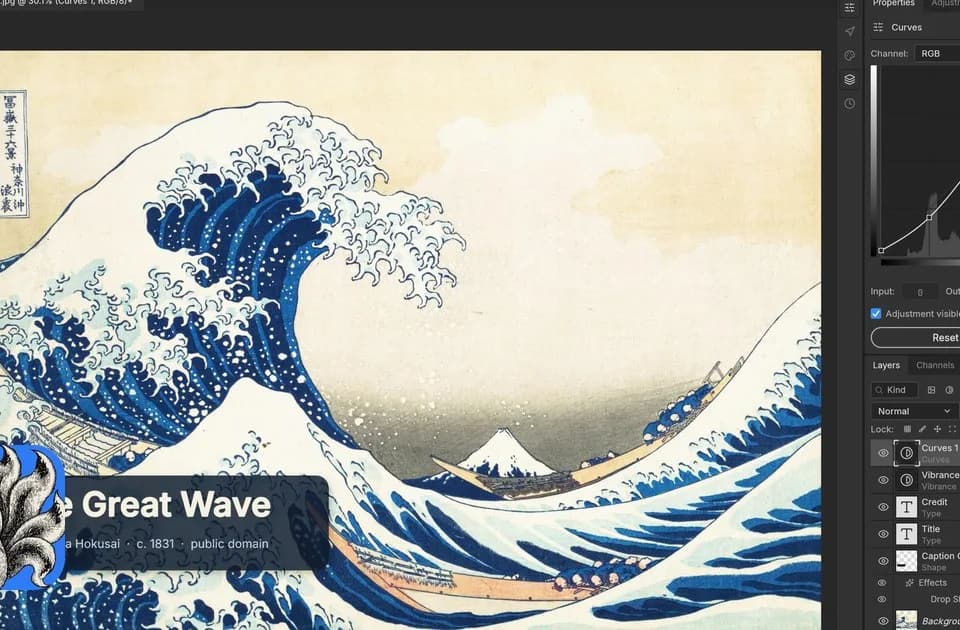
PhotoCraft for image editing with AI agents
PhotoCraft provides layered image editing, masks, color management and on-device selections in an early-alpha desktop app.
PhotoCraft is an early-alpha native image editor built in Rust. Its official publisher page lists layers, masks, adjustment layers, type, vectors and brushes, with offline editing and a headless command-line download for scripts and agents.
Which image workflows are covered?
The application opens and saves layered PSD and PSB documents, according to ArtCraft. Non-destructive tools include adjustment layers, live-preview filters, smart objects and layer styles, allowing edits to remain separable from the underlying pixels.
The publisher lists 8-, 16- and 32-bit documents in RGB, CMYK, Lab and grayscale, along with ICC color management and soft proofing. These features are relevant to preparing work for different display and print destinations, though the source does not establish that every external workflow will reproduce color identically.
What happens on the local machine?
Subject and object selection and mask refinement are described as on-device operations. The canvas uses native graphics backends including Metal, Vulkan, DirectX 12 and WebGPU. These are specific implementation claims from the publisher rather than independent performance measurements.
The official download list also includes a headless CLI for scripts and agents. That interface can form part of an automated editing setup, while the native application provides a place to inspect the document. The captured page does not establish that all editor actions are available through that CLI.
How mature is the available release?
ArtCraft offers its launcher for installation and updates, as well as standalone downloads for macOS, Windows and Linux, additional architectures and a self-hosted web build. The page describes the listed downloads as free.
The early-alpha status is a material limitation. ArtCraft reports that 134 of 135 files in its own real-world test collection round-trip byte for byte, but that is neither universal file compatibility nor a Franklin test. Before changing an established layered document, use a copy and verify masks, text, smart objects and the saved result in the intended destination.
Before you try it
Frequently asked questions
Does PhotoCraft process selections on a server?
The publisher describes subject selection, object selection and mask refinement as tools that run on the user’s machine rather than someone else’s server.
Official sourceDoes its compatibility claim cover every PSD file?
No. The publisher reports byte-for-byte round trips for 134 of 135 files in its own test collection. That result does not establish universal compatibility.
Official sourceIs PhotoCraft already a stable finished release?
The publisher labels the available image editor early alpha. Test representative documents and saved output before using it for an established production workflow.
Official source