
DocQuery for querying spreadsheets and documents
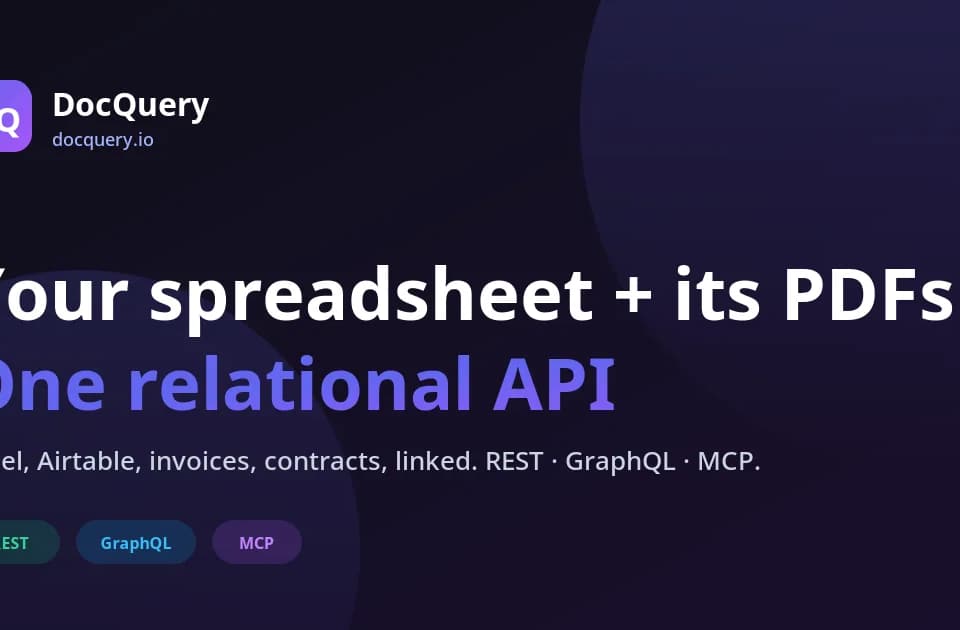
DocQuery turns documents and spreadsheets into related tables that apps can query over REST or GraphQL and assistants can read through MCP.
DocQuery turns spreadsheets and documents into tables that apps and AI agents can query. In the publisher's overview, it describes connecting files that hold related facts, such as a list of customers and the invoices that belong to them. It is useful when the records already live in familiar files and someone needs to retrieve them together without copying the entries into a new sheet.
Import files and check the connections
DocQuery accepts data such as CSV, JSON and PDFs. Its setup guide describes reviewing the proposed structure and linking fields between tables. Before saving an invoice link, look at the proposed matching field on both sides. A customer ID is easier to verify than a name that can appear several times. The publisher distinguishes live sync for Excel and Airtable from imports for Google files.
Choose an interface for the reader
The same linked tables are available through REST, GraphQL and MCP. The documentation says the MCP tools are read-only. That is useful when a connected assistant needs to look up an invoice without changing it. The publisher also documents CSV and JSON exports, so a team can inspect a copy of a table when troubleshooting. Choose access based on who needs to see or update the data.
How the free workspace differs
The publisher lists five documents and 10,000 rows for the free plan, without requiring a credit card. The pricing page describes paid upgrades and notes that extra uploads are blocked if the account is over the applicable limit. Start by checking one linked pair and the quality of its imported columns before moving a larger set of files.
Before you try it
Frequently asked questions
Can an MCP client edit the underlying tables?
The DocQuery API documentation identifies its MCP tools as read-only. Use a separately authorized write interface for changes.
Official sourceCan I recover a copy of the table for spreadsheet work?
Yes. DocQuery documents table exports to CSV or JSON, which gives the team a separate copy to inspect.
Official sourceWhich spreadsheet connections can stay in sync?
The publisher lists live sync for Microsoft 365 Excel and Airtable and describes Google files as imports.
Official source