
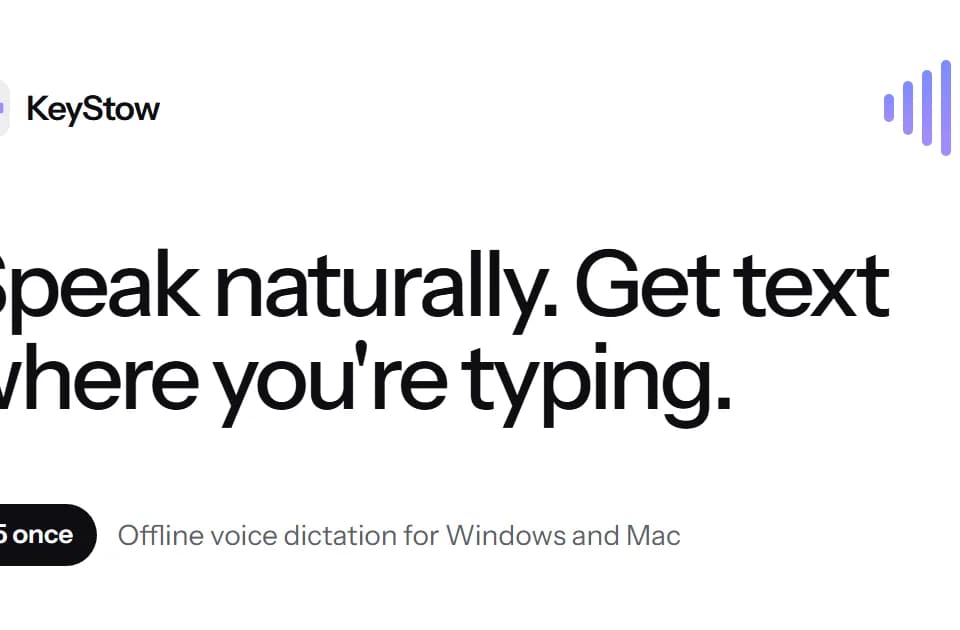
KeyStow: one-time-purchase offline dictation for Windows and Apple Silicon Mac
Dictate English text at the cursor with local processing on Windows or Apple Silicon Mac, sold as a one-time app purchase without an account.
KeyStow is an offline voice-dictation app for Windows and Apple Silicon Macs. Its official product page describes a hold-to-talk shortcut that turns speech into text on the computer and pastes the result at the cursor.
How does KeyStow dictation work?
Place the cursor in a text field, hold the configured shortcut and speak. Releasing the shortcut starts transcription and pastes the words where the cursor is active. The workflow is intended for entering text into an existing application rather than maintaining a separate collection of meeting recordings.
The publisher says speech processing stays on the user’s computer and works without internet after installation. It also says the app needs no account and does not keep an audio recording or transcript history. These are publisher-described behaviours; Franklin has not tested the app or measured transcription accuracy.
Which computers and languages are supported?
The purchase includes Windows and Apple Silicon Mac installers. The page lists English support only at present. It does not provide a minimum memory specification or name the transcription engine in the captured description, so check the current installer information against the intended computer before buying.
For related on-device voice typing, Franklin’s LoQuill listing covers a local dictation workflow on Apple Silicon. That comparison is about the task and platform; this page does not use another vendor’s prices as verified current facts.
What does the purchase include?
KeyStow lists a $5 one-time payment for lifetime access, with tax included and no monthly subscription. Downloads are supplied through the purchaser’s Dodo email or customer portal. The publisher states that sales are final and does not offer refunds.
Who should consider the workflow?
The documented fit is someone who wants local English voice typing directly into text fields and accepts the listed operating-system limits. Franklin analysis: the absence of saved transcript history is useful to understand before using the app for material that must be retained, reviewed or exported later.
Before you try it
Frequently asked questions
Does KeyStow keep recordings or a transcript archive?
The publisher says KeyStow does not keep audio recordings or transcript history. Save pasted text separately if you need a lasting record.
Official sourceWhere do I retrieve the installers after payment?
The product page says downloads are available through the Dodo purchase email or customer portal after payment.
Official sourceCan I use KeyStow for languages other than English?
The captured product page lists English only for now. It does not establish support for other dictation languages.
Official source