
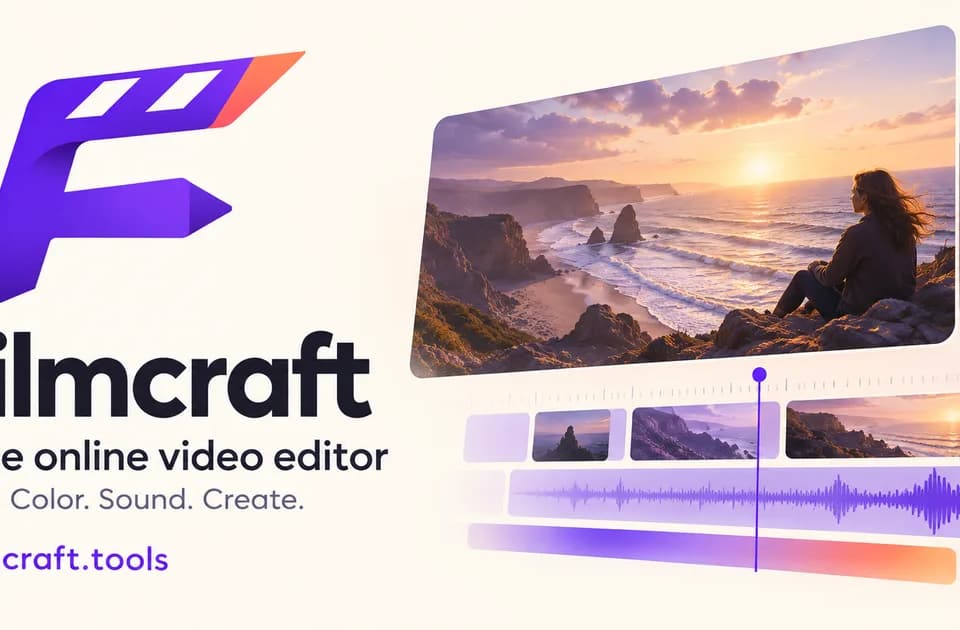
FilmCraft for browser-based timeline editing
FilmCraft offers separate picture and sound tracks, a browser preview and optional AI generation for adding material to an edit.
FilmCraft offers timeline editing in a browser. Import footage, still images and audio, then arrange the sequence and preview the cut. The publisher describes AI image and video generation as a separate workflow that can supply material for the edit.
Assemble the picture and sound first
FilmCraft lets you place picture and sound on separate tracks. Make a rough cut before adjusting transitions or titles. For a product demo, put the clearest view of the item near the beginning and make sure the audio gives the viewer enough time to recognize what is happening. Trim any lead-in that adds nothing to the sequence, then preview the transition between shots with sound.
Check browser and project limits
The publisher says its browser build uses WebGPU where available and has a WebGL2 fallback. Try representative footage before starting a longer edit. Its documentation also identifies proxy workflows and mask tracking as unavailable in the browser build. If you plan to move the work between devices, download the project and keep the original media alongside it. The publisher says reopening a project may require reconnecting local files.
Save an editable copy and an export
The publisher says users can import, edit and preview without an account. Saving a project or export requires signing in with a verified account and uses zero generation credits. Check for the save confirmation before leaving the page. If you generate extra material using the site’s AI tools, review the credit quote there and import the finished result into the timeline. That keeps the original edit available as you try alternate shots.
Before you try it
Frequently asked questions
Do I need an account to start editing?
The publisher says import, editing and preview work without an account. Saving a project or export requires verified sign-in.
Official sourceCan I open the project on another device?
Keep the original media with your project. The publisher says reopening can require reconnecting local files.
Official sourceIs AI generation included in free timeline editing?
The publisher describes AI generation as a separate step that uses credits. Timeline editing and supported saves use zero generation credits.
Official source