
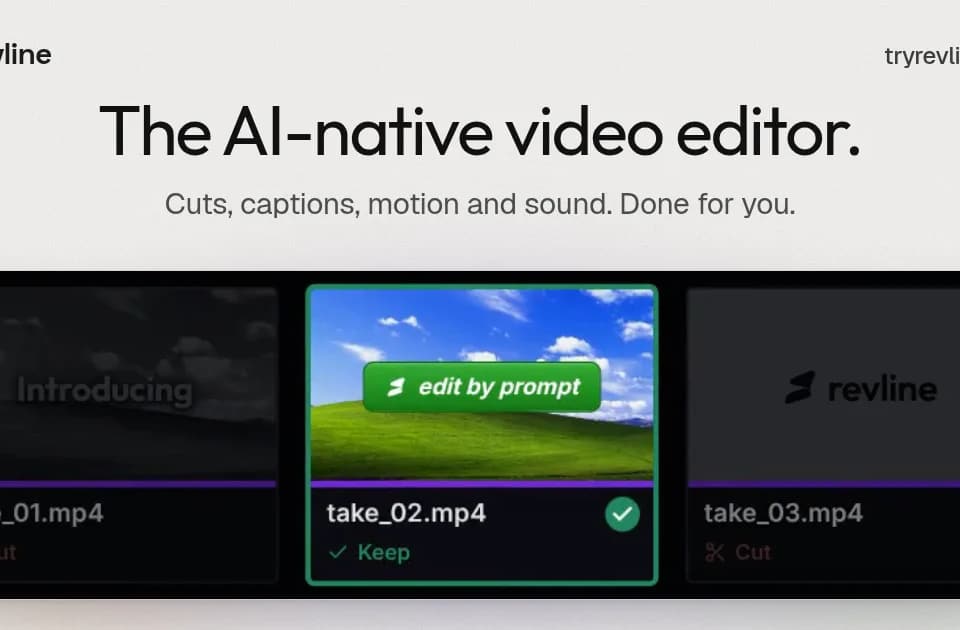
Revline: Prompt-Based Video Editing and Captions
Revline turns edit instructions into timeline changes. It cuts and captions uploaded footage, then lets the creator adjust the edit before export.
Revline is a video editor that takes an edit request in plain language and applies it to uploaded footage. The publisher’s product page describes cuts, captions, framing and motion effects. It is aimed at creators who want a first cut quickly but still need to check details before publishing it.
What happens to an edit prompt?
Upload a recording and describe the result, such as a short excerpt with captions and vertical framing. Revline says its changes land on an editable timeline. A creator can trim, move or delete clips manually, or ask for another pass. This is useful when the first automated cut is close but removes a sentence needed for context.
The publisher also lists animated captions, tracked labels, masks and split-screen layouts. Those options let a creator describe the effect and then inspect how it works on the actual frames. Revline says it can connect through MCP so an external agent can request edits; the product also has its own workspace.
Which export and plan limits matter?
Revline lists 1080p export without a watermark and aspect ratios of 9:16, 1:1 and 16:9. The site lists one plan at $39 USD per month after a three-day free trial. It lists 50 GB of storage. Check the plan and the footage you intend to keep online if you regularly upload long recordings.
What should you review before publishing?
Start with a short clip you can compare with the original. Listen for cuts that change meaning, check names in the captions and watch the framing on the intended screen size. Revline's terms say edits, captions and generated material can be inaccurate. A first pass can save time, but the final choice of words, cuts and framing still belongs to the person publishing it.
Before you try it
Frequently asked questions
Can I change a cut Revline makes automatically?
Yes. The publisher says generated changes are on the timeline, where you can trim, move or delete clips and undo a change.
Official sourceWhich aspect ratios can Revline export?
The product page lists vertical 9:16, square 1:1 and landscape 16:9, with 1080p watermark-free export on the advertised plan.
Official sourceCan I connect Revline to an agent outside its own editor?
The publisher says Revline connects through MCP, so you can request edits from an MCP client as well as from the Revline workspace.
Official source