
Free Photo Editor for prompt-based edits and compression
Free Photo Editor offers browser-based prompt edits, image generation and separate utilities for compression and conversion.
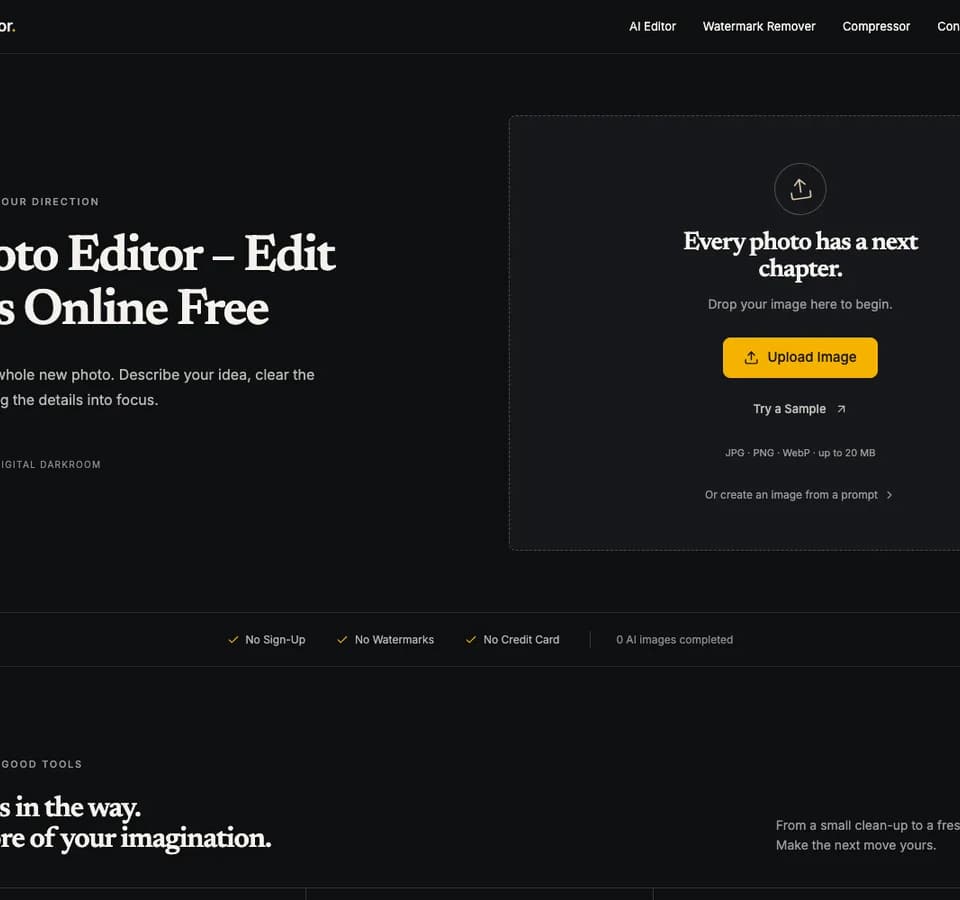
Free Photo Editor offers prompt-based image editing and browser utilities for working with a finished image file. Start with a photo for an edit or use the text-to-image mode when you are creating a new image from scratch. Choose the tool for the change you need before uploading the file.
Start with a specific edit
The publisher describes edits such as replacing a background or removing a selected object. For a product image, name the item you want removed and describe what should fill the space. Keep the original available so you can compare edges, small lettering and the color of the subject. Review the edited image at full size before downloading it for a page or a campaign.
Choose the correct file utility
The site also offers compression and format tools. If the image already looks right and simply exceeds an upload limit, the compression workflow lets you adjust quality or choose a target file size. The publisher lists JPEG and PNG as standard photo inputs. Other tools have dedicated uploaders for formats such as HEIC, SVG or video. Check the supported format in the tool you are using.
Check the daily allowance
The publisher says upload, editing and download work without an account. AI tasks use a shared daily allowance displayed by the workspace. If it is exhausted, the publisher says you can wait for the reset or use the local tools that remain available. Check the preview after any compression step and keep a higher-quality original for future edits.
Before you try it
Frequently asked questions
Can I edit a photo using a written instruction?
Yes. The publisher describes uploading a photo and writing the change you want.
Official sourceWhich file types are standard photo inputs?
The publisher lists JPEG and PNG as standard photo inputs. Dedicated uploaders handle other formats.
Official sourceWhat happens after the daily allowance is used?
The publisher says you can wait for the displayed reset or use local tools that are available.
Official source