
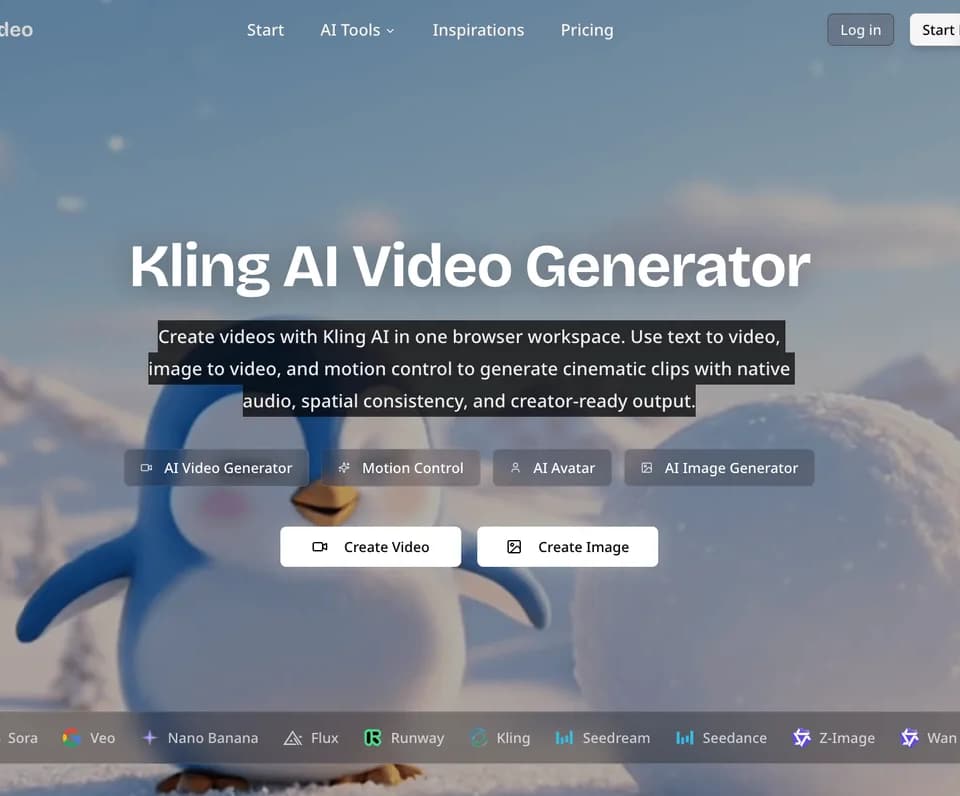
Klingvideo.com
Klingvideo.com is a browser-based AI content creation platform built around Kling video generation. It combines text-to-video, image-to-video, motion control, native audio, AI avatars, text-to-speech, image generation, and selected video, image, and 3D models in one workspace.
What it does
Klingvideo.com lets creators generate short AI videos from written prompts or uploaded images. Kling 3.0 supports text-to-video and image-to-video generation in 3 to 15 second clips, with Standard, Pro, and 4K modes. The platform also advertises multi-shot composition, start/end frame control, and native audio generation for synchronized speech, sound effects, and ambient audio.
Its image-to-video workflow uses Kling's 3D VAE spatial consistency technology, which the vendor says helps preserve object positions, lighting direction, facial proportions, and depth relationships during animation. Motion Control applies movement from a reference video to a character image, supporting full-body motion, hand gestures, and up to 30 seconds of continuous output in its video orientation mode.
The platform also includes AI Avatar for lip-synced talking-head videos and text-to-speech with multilingual input, 18 preset voices, multi-speaker dialogue, emotion tags, and scripts of up to 5,000 characters. Beyond Kling, the workspace lists models including Veo, Wan, Seedance, HappyHorse, GPT Image, Flux, Seedream, Nano Banana, Hunyuan 3D, and Trellis.
Notable capabilities
- Text-to-video and image-to-video generation with Kling 3.0, including 3–15 second clips and up to 4K output according to the site.
- Native audio co-generation for dialogue, sound effects, ambience, and music.
- Motion Control using a character image and a 3–30 second MP4 or MOV reference video.
- AI Avatar and text-to-speech workflows for creating lip-synced presenter videos.
- A shared workspace for video, image, voice, and 3D generation tools.
Who it helps
The platform is aimed at short-video creators, e-commerce sellers, marketing teams, character animators, and teams evaluating multiple AI models. Its vertical output options support social formats such as TikTok, Reels, and Shorts, while motion transfer can support dance, martial arts, sports, gesture tutorials, and animated posters. Product animation, promotional videos, presentations, music videos, and client deliverables are also listed use cases.
How it fits a workflow
A typical workflow starts with a natural-language prompt, a still image, or a character image plus motion reference. Users then select Kling or another model, configure duration, aspect ratio, resolution, audio, or motion orientation, and generate the result. The site says generation commonly takes 2–10 minutes. Paid usage is advertised as providing watermark-free downloads and commercial-use rights; users remain responsible for avoiding unauthorized copyrighted characters, trademarks, or likenesses.
Strengths and limits
The main practical strength is the combination of video generation, motion transfer, voice, avatar, image, and 3D tools under one account. The published video specifications are oriented toward short clips rather than long-form production: Kling 3.0 supports up to 15 seconds per generation, while motion-control duration depends on orientation. Plans use monthly credits, and the pricing page states that unused credits do not roll over. Paid plans and their current credit allocations are described on the pricing page.