
seedance2.today
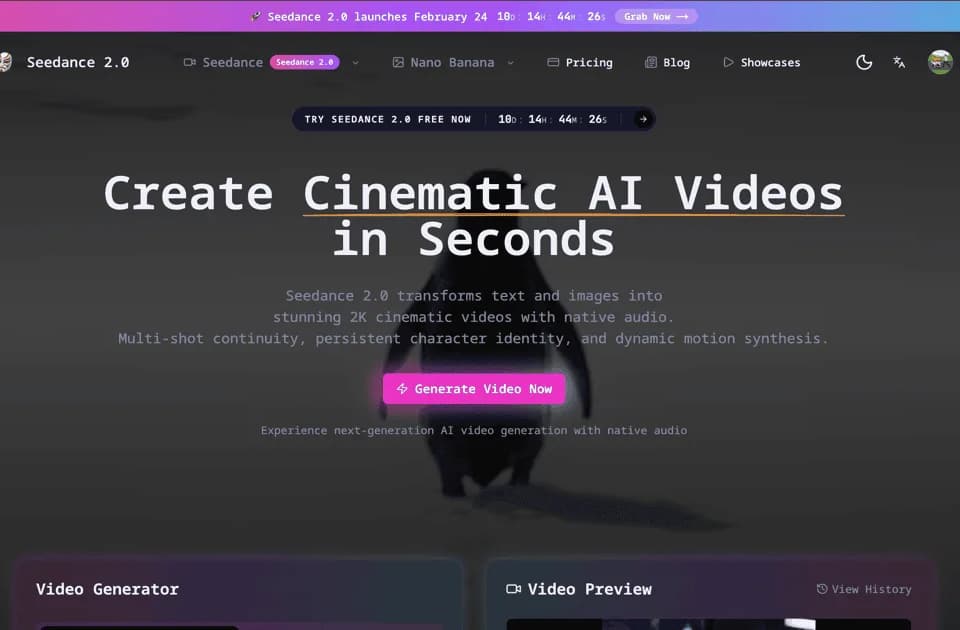
Seedance 2.0 is an AI video generator from ByteDance that creates short videos from text prompts or starting images. It combines generated visuals with dialogue, Foley, and ambient audio, with output options of 480p or 720p and durations from 4 to 15 seconds.
What it does
Seedance 2.0 supports text-to-video and image-to-video workflows in a unified multimodal system. Text prompts can describe the scene, mood, camera angle, characters, actions, and environmental details. The site says prompts can contain up to 2,500 characters and handle multiple subjects and emotional direction.
For image-to-video generation, users upload a photo or illustration and the model determines how the scene should move. The service is designed to preserve details such as skin texture, jewelry, and fabric patterns while adding motion. It also supports reference-driven control using text, image, video, and audio references.
Audio is generated alongside the video rather than added as a separate post-processing step. According to the publisher, this can include synchronized character speech, sound effects aligned with visible actions, and background ambience suited to the setting. The site also describes physics-aware training intended to produce more plausible cloth, water, collisions, balance shifts, and other motion.
Notable capabilities
- Text-to-video generation from detailed natural-language scene descriptions.
- Image-to-video animation for photos and illustrations.
- Joint video and audio generation with dialogue, Foley, and ambient sound.
- Native 480p and 720p rendering for clips lasting up to 15 seconds.
- Multimodal references and camera-direction controls for more specific scene guidance.
Who it helps
The tool is suited to creators developing short-form drafts, social clips, story tests, product concepts, educational visuals, and audio-first video ideas. It may also fit independent creators and small teams that want to move from a written scene or still image to a short clip without assembling sound separately.
How it fits a workflow
A typical workflow starts with either a written scene description or an uploaded image. The creator can specify subjects, actions, mood, camera direction, and sound expectations, then generate a short clip at 480p or 720p. Seedance 2.0 Fast is presented on the same platform as a faster option for drafts and higher-volume ideation, while the dashboard also includes other video and image models for different generation tasks.
This is a short-clip workflow rather than an editor for long-form production. For comparison, Seedance 2.5 is described in related Franklin coverage as supporting continuous clips of up to 30 seconds with native 4K output; those specifications should not be attributed to Seedance 2.0.
Strengths and limits
Seedance 2.0’s main strengths are its combined visual-and-audio generation, text and image inputs, reference-oriented controls, and clearly stated short-clip output range. Practical limits include the maximum 15-second duration and native 480p/720p resolution described on the product site. The supplied material does not establish pricing, credit costs, export formats, or retention policies, so those details should be confirmed separately.