
Booklet
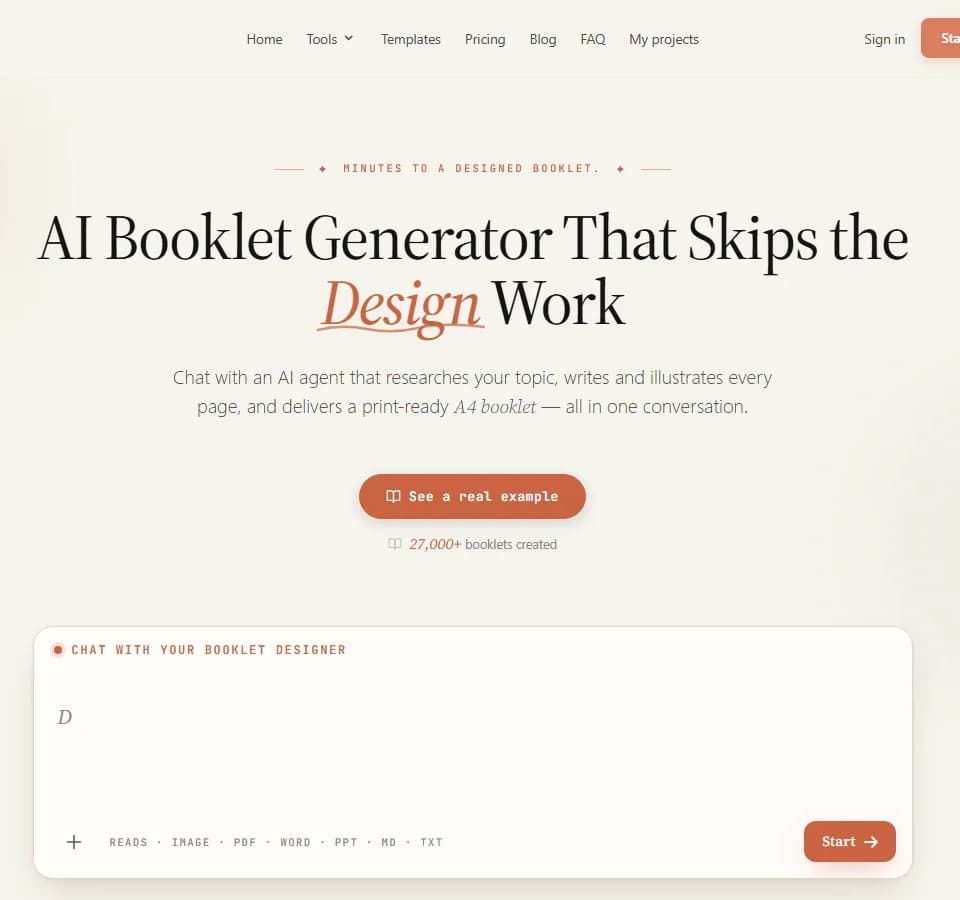
BookletAI is a conversational booklet-creation service. Its homepage describes entering a topic, pasting existing text or uploading a PDF, then reviewing an outline before generating illustrated pages. It offers templates for brochures, guides and other multipage documents, with the finished work available to share or download.
Approve the outline before generating pages
The publisher says its agent asks about the audience, style and goals, then shows a page-by-page outline. Review that structure against what the reader needs to learn. A product brochure, for example, should distinguish supported specifications from promotional language before those statements enter the layout.
For topic-led projects, BookletAI says it searches the web and examines three to five pages. Supplying your own text skips that research stage. Neither workflow removes the need to check names, numbers and quotations yourself. Keep source references for factual statements, and avoid treating the service's generated content as verified instruction in a specialized field.
Revise a page without rebuilding the document
The service describes single-page editing, so you can change one page without regenerating the rest. It also advertises automatic illustration, using photographs or generated art and allowing your own uploads. Check captions and image permissions before publishing a brochure or training document.
The homepage offers a public share link, an offline HTML download and PDF export. A shared link can be opened without an account, according to the publisher. Preview the complete document at the intended reading or printing size and check page breaks before sending it to a client or printer. For training that needs course assignments and learner progress tracking, One Course describes those LMS functions; BookletAI's documented output here is a booklet to download or share.
Account for revisions in the credit budget
The free plan is advertised as three hundred signup credits without a credit card, with a watermark on free-plan downloads. The FAQ lists thirty credits to create a page, five for an AI page edit and ten for generating an image. Manual edits are described as free, while assistant chat also consumes credits depending on the task.
Those separate charges mean a ten-page project may need more than the initial page-generation allowance if it includes images or revisions. The publisher says subscription credits last within the billing cycle and credit packs last one year. Confirm current prices and allowances before starting a long project, and review upload handling before supplying confidential documents.