
Unibase memory
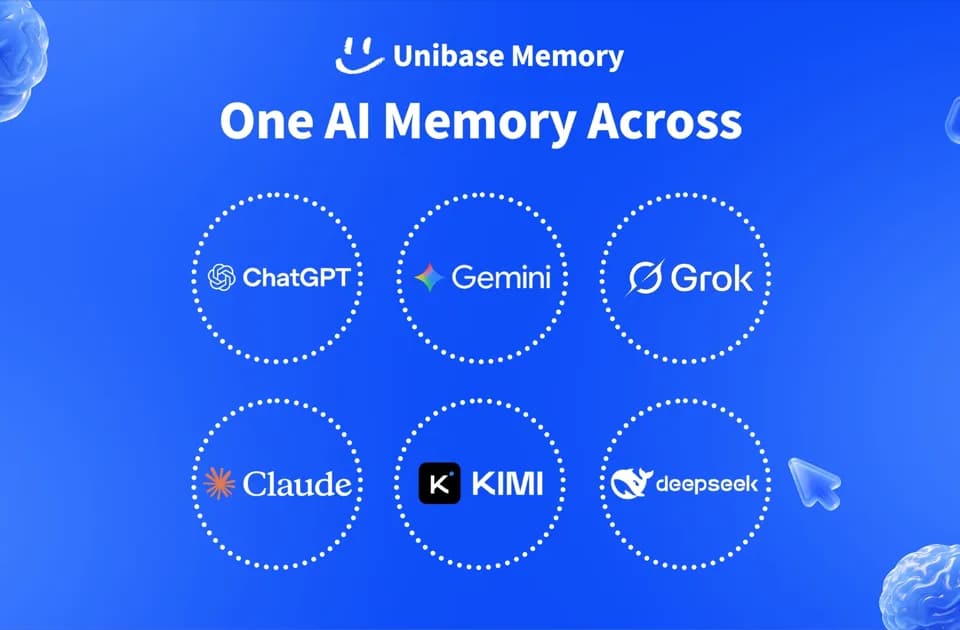
Unibase Memory is a cross-platform AI memory tool for saving, organizing, and retrieving context across ChatGPT, Claude, Gemini, Grok, DeepSeek, and Kimi. It is available through a Chrome extension, web app, desktop app, API, MCP, and SDKs.
What it does
Unibase Memory brings conversations, web pages, connected-app data, uploaded files, and shared memories into one personal memory store. Users can capture information while browsing or chatting, search and manage stored memories, and send selected context into supported AI applications.
The product is designed to keep memory portable across AI platforms. Its workflow includes syncing conversations, connecting data sources such as Notion, Obsidian, and Google Drive, uploading documents and media, and retrieving relevant context for an agent at runtime.
Notable capabilities
- Cross-AI memory for ChatGPT, Claude, Gemini, Grok, DeepSeek, and Kimi.
- Chrome extension for saving content from AI chats and web pages and sending selected context between supported AI tools.
- Web app for inspecting, editing, organizing, and searching stored memories.
- Desktop app for tracking progress, responding to questions, approving requests, personalizing a pet, and using built-in routines.
- Developer access through MCP, SDKs, APIs, and the
@unibase/membasepackage. - Local encryption, decryption, semantic search, and retrieval, according to the product website; Unibase says it stores ciphertext rather than readable memory content.
Who it helps
Unibase Memory is aimed at people who use multiple AI assistants and want to avoid re-entering the same preferences, project details, or background information. It also supports developers building agents that need persistent memory across sessions, models, or agent frameworks. Teams can use the self-hosted node option described by Unibase for infrastructure such as VPC or air-gapped deployments.
How it fits a workflow
A typical workflow starts by connecting data sources or capturing information through the browser extension. Users can then inspect, edit, organize, and search memories in the dashboard. An MCP-compatible agent, SDK integration, or API can retrieve relevant context when an agent handles a request. The desktop app provides access to progress tracking, questions, requests, and built-in routines.
Strengths and limits
The main distinction is the local-first privacy model described by Unibase: the encryption key remains on the device, while the service stores replicated encrypted blobs. The product also offers an open-network, documented format and one-command export, according to its FAQ. The free Personal plan includes unlimited memories, the six listed AI platforms, the extension, app, and MCP; paid plans add features such as cross-device sync, connectors, and developer usage. Specific support depends on the integration method and plan selected.