

boat provides persistent Ubuntu sandboxes for long-running agents
Cloud virtual machines with desktop access, snapshots and programmatic controls, billed while running across an account-level allowance.
Find AI tools for work, creativity and everyday tasks. Read what they do before you try them.
Cloud virtual machines with desktop access, snapshots and programmatic controls, billed while running across an account-level allowance.
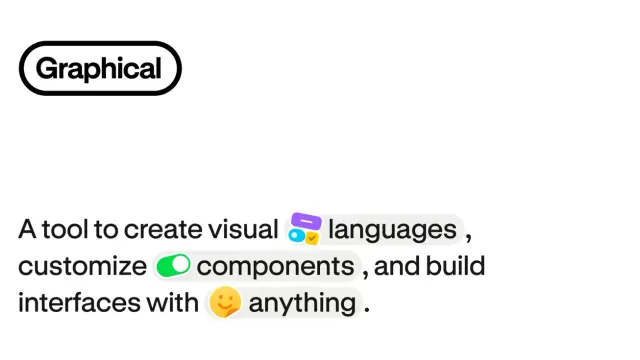
A visual theme builder with light/dark tokens, React component source and instructions for keeping generated interfaces consistent.

A macOS and Windows agent that accepts voice or typed tasks, uses visible context and asks for approval before sending.

A source-linked learning site covering AI comparisons, RAG, agent setup and interview practice rather than an automatic token optimizer.

An agent workspace for working across apps and producing editable deliverables, with approval checkpoints and recurring tasks.
Shopping for software? Browse seasonal AI tool deals and check each seller’s offer terms.
Start with the job, not the brand. Pick a category, sort by newest to see recent launches, then open a tool page to read what it does, who it suits and where its official website is.
Sign in, choose Submit Tool, paste the tool’s official website, pick a category and add a sentence on what it does. Submitting is instant: it is saved straight away and appears in your submission history, where you can follow it through to its published page.
Yes. Founders and makers are welcome to submit their own tools. Link the official product page rather than a social post or app store listing, so readers land in the right place.
Some are free, many have a free plan, and some are paid only. Each tool page links to the official website, which has the current pricing, because plans and prices change often.
New tools are added every day. Sort by Newest first to see the latest additions, or follow the AI Tools RSS feed to get them as they are published.