
YTAPI supplies YouTube transcripts and metadata for downstream workflows
A developer API for transcript formats, timings and batch exports, with a Chrome extension and MCP access described by the publisher.
Find AI tools for work, creativity and everyday tasks. Read what they do before you try them.
A developer API for transcript formats, timings and batch exports, with a Chrome extension and MCP access described by the publisher.
BetterWispr transcribes speech on a Mac and offers app-specific tone, vocabulary corrections and local note summaries.

Speech-to-text.cloud transcribes uploaded audio and video, with speaker identification, text tools and document or subtitle exports. The site offers a no-account trial.
Vidmoat is a hosted video editor whose AI agent can cut footage, add captions and work on an editable timeline, with optional chat and MCP access.
TapVid creates motion-graphics explainer videos from prompts, documents, or scripts, with review stages and credit-based plans for exports and integrations.
Scribix selects clips from long videos, supports transcript-based cuts, and prepares vertical shorts with captions. Its free allowance covers 60 lifetime source minutes.
Recapo offers video recaps, long-recording-to-Shorts workflows, and product promos, with credit-based editing and creation allowances.

An online AI tool that converts audio files into editable transcripts, subtitles, summaries, and mind maps.
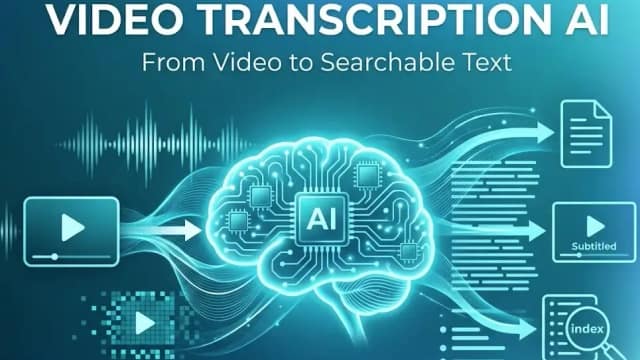
Video Transcription AI converts uploaded recordings or public links into editable transcripts, with speaker labels, timestamps, summaries, translation, and subtitle exports.
Start with the job, not the brand. Pick a category, sort by newest to see recent launches, then open a tool page to read what it does, who it suits and where its official website is.
Sign in, choose Submit Tool, paste the tool’s official website, pick a category and add a sentence on what it does. Submitting is instant: it is saved straight away and appears in your submission history, where you can follow it through to its published page.
Yes. Founders and makers are welcome to submit their own tools. Link the official product page rather than a social post or app store listing, so readers land in the right place.
Some are free, many have a free plan, and some are paid only. Each tool page links to the official website, which has the current pricing, because plans and prices change often.
New tools are added every day. Sort by Newest first to see the latest additions, or follow the AI Tools RSS feed to get them as they are published.