
Vidmoat
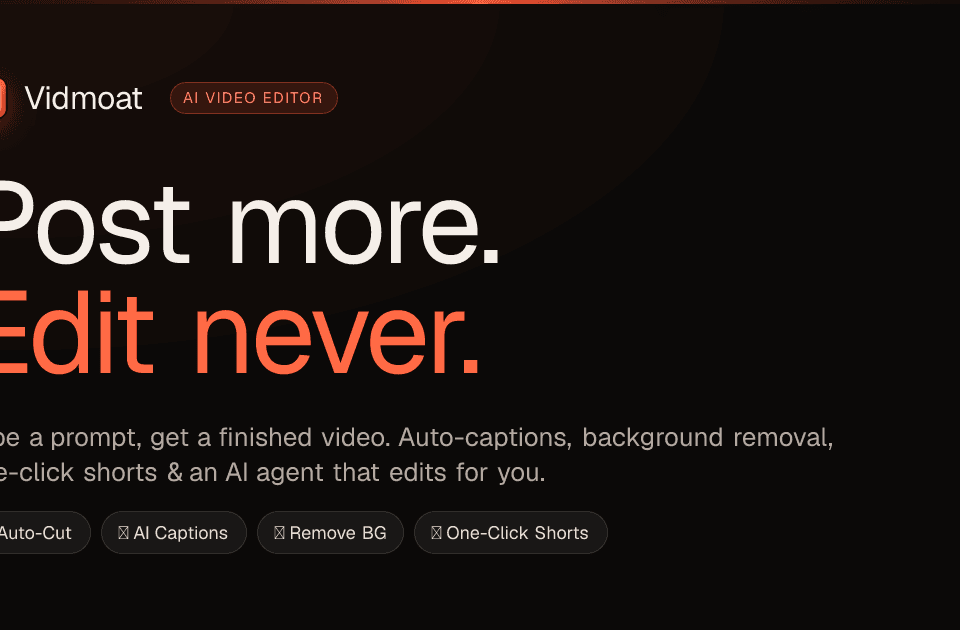
Vidmoat is a hosted AI video editor that lets creators edit footage with plain-language prompts, a browser timeline, or chat. Its official product site describes an agent that can analyze clips, remove silence, generate captions, apply edits, and prepare versions for different social platforms.
What Vidmoat does
Vidmoat combines an AI editing agent with a conventional, editable timeline. Users can upload footage, describe the intended result—such as a punchy TikTok or a captioned podcast clip—and let the agent plan and apply multiple editing steps. The resulting project can still be adjusted manually rather than being limited to a single rendered output.
The editor is designed for repurposing long recordings into short-form content. It can auto-cut footage, remove filler words and silence, create word-level or karaoke-style captions, reframe videos for 9:16, 1:1, and 16:9 formats, and produce platform-oriented versions for TikTok, Reels, YouTube, and Shorts. The site also lists effects, filters, transitions, color tools, audio ducking, background removal, green-screen support, stabilization, and a cleanup brush.
Who it helps
Vidmoat is aimed at creators and teams producing regular social video, including podcasters, coaches, cooking creators, gamers, educators, musicians, and product or real-estate marketers. It may fit workflows where one long recording needs to become multiple clips, or where captions, silence removal, reframing, and basic polish would otherwise require repetitive timeline work.
Notable capabilities
- Prompt-based editing: The Moat AI agent accepts plain-language instructions, plans multi-step edits, and applies them to the timeline.
- Long-video repurposing: Auto-Cut identifies usable takes and removes dead air, while One-Click Shorts is designed to create multiple vertical clips with hooks.
- Text and caption editing: Text-to-Edit links transcript changes to the video, and the platform supports word-synced captions, karaoke styles, filler-word removal, and caption presets.
- Agent and chat access: Projects can be edited through the browser, via Telegram or WhatsApp chat, or through MCP connections for assistants such as Claude, ChatGPT, and Cursor. Studio adds API access and personal API keys.
- Export and distribution tools: The service supports 4K exports on paid plans, MP4, WebM, and GIF output, platform presets, and automatic reframing for common aspect ratios.
How it fits a workflow
A typical workflow is to import the raw footage, describe the desired pace or format, review the agent’s changes on the timeline, make manual corrections, and export platform-specific versions. The service also offers desktop apps for working with larger files; its site describes support for files up to 10 GB without uploading them. Chat-based editing is available without installing a phone app, according to the product FAQ.
Strengths and limits
Vidmoat’s main practical distinction is its agent-first workflow: prompts, chat commands, MCP connections, and scripting sit on top of a regular timeline. The free Hobby plan is available without a card, but it is limited to three projects, eight exports per month at up to 720p, 500 MB of cloud storage, monthly AI credits, and a watermark with a two-second end card. Creator and Studio plan details, including current pricing and credit allowances, are listed on the pricing page. AI features consume credits, while manual editing actions such as cuts, keyframes, effects, and markers do not. Image and video generation require Studio, and some features—such as AI object removal—are identified as beta.