

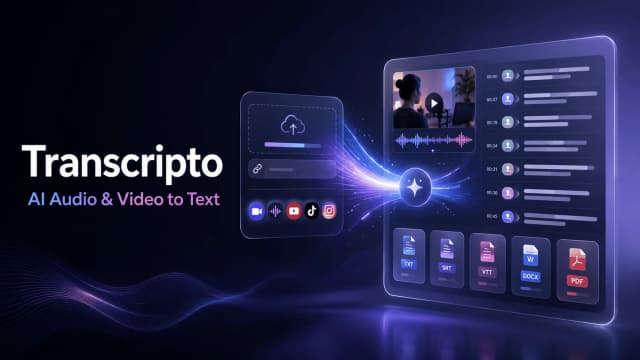
Transcripto
Transcripto converts uploaded recordings and supported social links into editable transcripts, with timestamps, speaker labels, translation, summaries, and plan-based export capacity.
GPTscribe advertises free audio and video transcription with automatic punctuation and paragraph breaks; its accuracy figures are vendor benchmarks.
GPTscribe is an online transcription service for audio and video. Its homepage promotes free access without signup and support for more than one hundred languages. Those access claims should be checked against the actual upload flow before relying on the service for a recurring workload.
The GPTscribe homepage presents an upload workflow for audio or video. It describes adding punctuation, capitalization and paragraph breaks automatically, which can reduce the formatting work needed after speech recognition.
For an interview, keep the recording alongside the transcript and check the passages you plan to quote. Readable punctuation is useful, but it can also change the apparent meaning of an ambiguous pause. Confirm that the text reflects what the speaker said before treating it as a publication-ready account.
The publisher advertises 99.8% accuracy and says its internal benchmarks reach a word-error rate around 0.2%. It describes a multilingual speech model fine-tuned on noisy recordings, including overlapping voices and background music. These statements describe the publisher's own assessment, not an independent test of your recording.
Accents, quiet speech and specialist vocabulary can affect the result. Check names, dates and amounts carefully, since a single wrong word may matter more than an aggregate accuracy percentage. A short sample from the actual recording is a more useful first check than assuming the advertised rate applies to every language and acoustic setting.
The page labels transcription unlimited and says no signup is required. It does not provide complete file-size, duration, export or retention rules in the product description. Confirm those details before uploading a long meeting or organizing a larger archive around the service.
Get permission to transcribe other people's speech, and follow your organization's rules for confidential recordings. Free access does not establish where uploads are stored or who can access them. If the transcript will inform an important decision, preserve the source recording and review the relevant section yourself rather than relying on fluent text alone.
Before you try it
No. Its FAQ specifies three free full transcripts each day, with the quota resetting the next day. The stated absence of a per-minute cap concerns transcript length, rather than an unlimited number of daily submissions.
Official sourceThe publisher says SRT, VTT and translation are not locked behind signup. These are documented output options; the transcript should still be reviewed for specialist terms, names and other recognition errors.
Official sourceYes. Its FAQ describes automatic source-language detection or a selected target language, with a translated version alongside the original transcript. Advertised language coverage is broader than English, rather than a separate English-only workflow.
Official sourceTranscripto converts uploaded recordings and supported social links into editable transcripts, with timestamps, speaker labels, translation, summaries, and plan-based export capacity.

Audio Transcriber converts uploaded recordings or direct audio links into timestamped text with speaker detection and TXT or Word export.

Monologue combines dictation, voice notes and bot-free meeting transcription on Apple devices, with synced note access and formatting controls. Its trial and paid pricing are documented separately.

Wideframe prepares existing footage for Premiere Pro on Apple Silicon Macs, including transcripts, clip organization, and native project files.
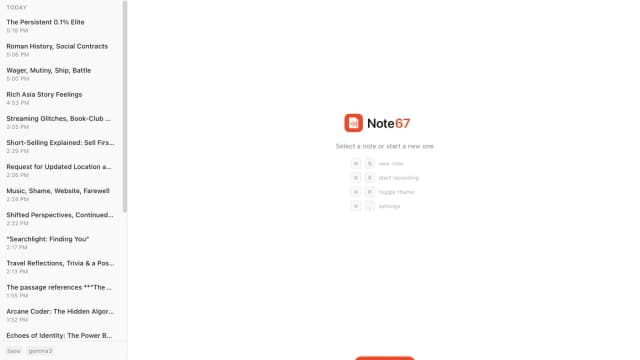
Note67 records meeting audio, transcribes with local Whisper models, and creates summaries through Ollama. The publisher describes a Windows and macOS app with on-device processing.
